Skip to content
  • Whatsapp us for Grab / Lalamove Delivery
  • Whatsapp us for Grab / Lalamove Delivery
MakerHub Malaysia: Robotic and Electronic SuppliesMakerHub Malaysia: Robotic and Electronic Supplies
  • Menu
  • Shop
  • Categories
    • Sensor
    • Electrical
    • Microcontroller
    • Actuator
    • Breakout
    • Tools
    • Display
    • Shield
    • Transmission
    • Led Kit
    • Others
    • Project Kit
    • Parts
    • Battery
    • Dev Kit
    • Accessories
  • Tutorials
  • Track Order
    • No products in the cart.

      Return to shop

  • Cart

    No products in the cart.

    Return to shop

Tutorials

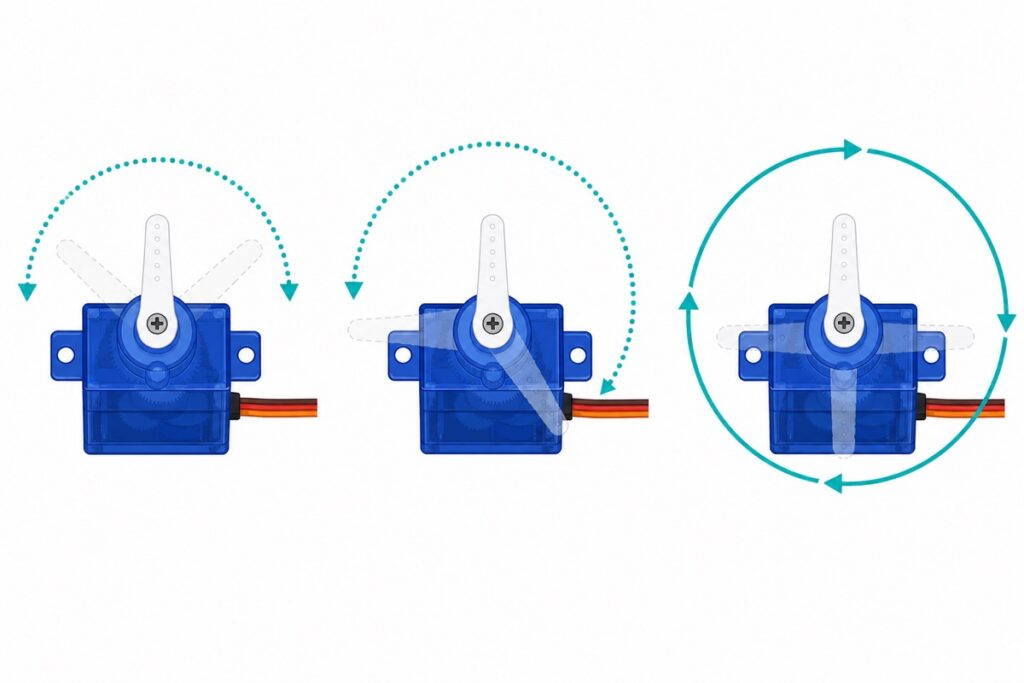
Servo Motor 180° vs 270° vs 360°: Which Do You Need?

Posted on July 31, 2026August 1, 2026 by MakerHub Helper
Three servo motors showing 180, 270 and 360 degree rotation ranges
31
Jul

A 180° servo moves to the angle you command and holds it; a 360° (continuous) servo cannot hold an angle at all — its write() value controls speed and direction instead. A 270° servo is simply a positional servo with a wider sweep. All three look identical from the outside, so below is a 30-second […]
Continue reading →
Posted in Tutorials Leave a comment
Tutorials

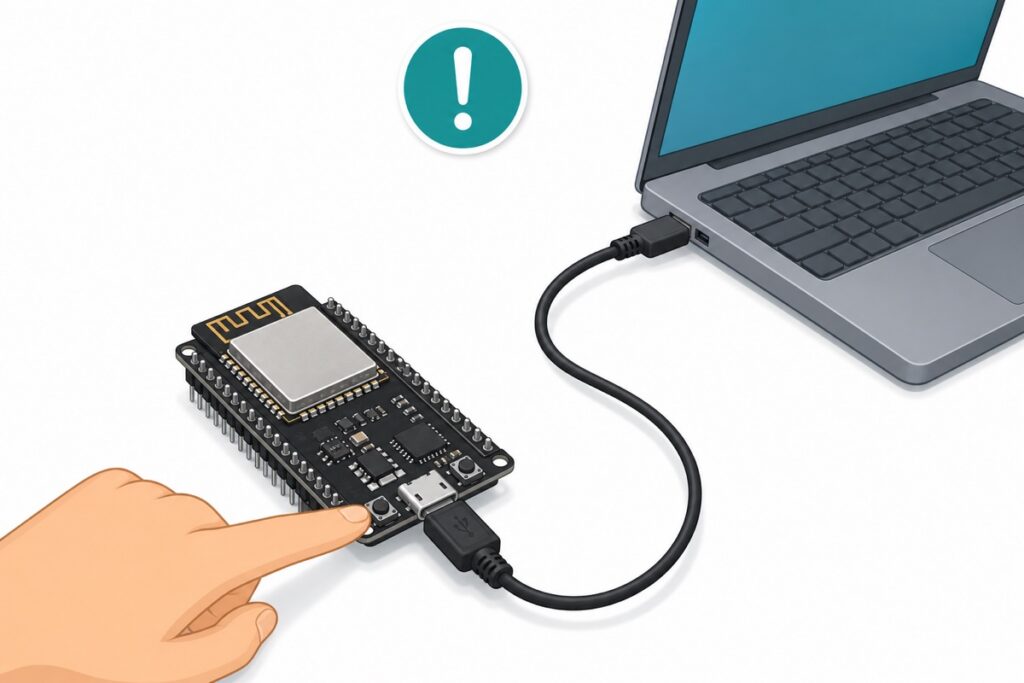
ESP32 Not Detected or Upload Failed? The Complete Fix Guide

Posted on July 31, 2026August 22, 2026 by MakerHub Helper
Finger pressing the BOOT button on an ESP32 board connected to a laptop
31
Jul

If your ESP32 is not detected in Arduino IDE, the cause is almost always one of three things: a charge-only USB cable, a missing CH340 or CP2102 driver, or a board that needs its BOOT button held during upload. Swap to a proper data cable first — that one step fixes over half the cases […]

Continue reading →
Posted in Tutorials 2 Comments
Tutorials

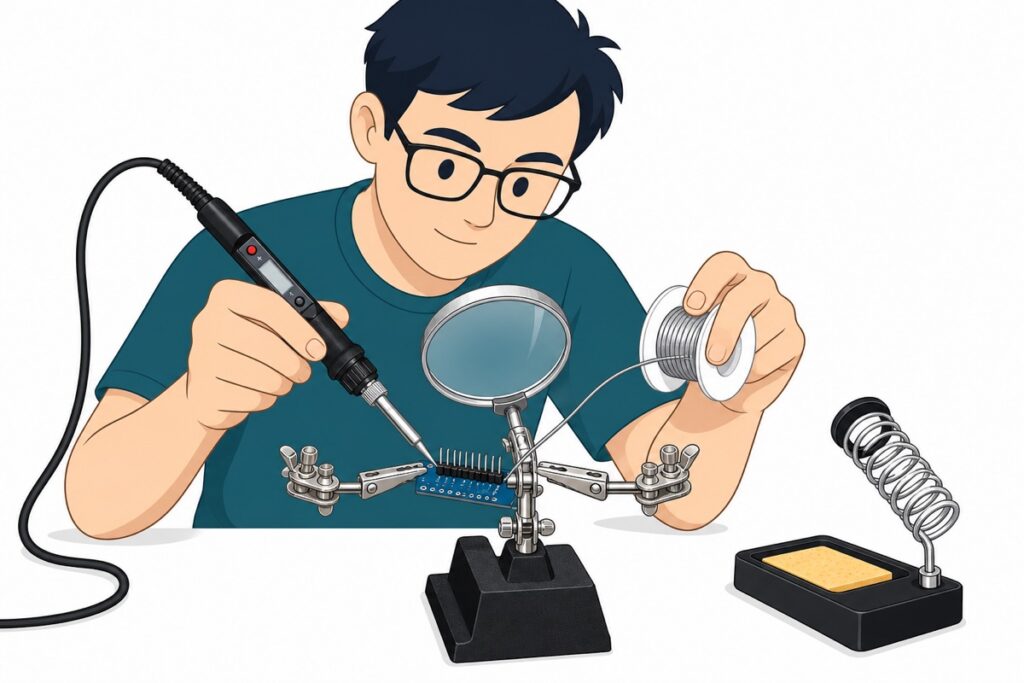
How to Solder Header Pins on Arduino Modules (Easy Guide)

Posted on July 31, 2026August 1, 2026 by MakerHub Helper
Person soldering header pins onto a module held by a helping-hands clip
31
Jul

To solder header pins, push the header’s long side into a breadboard, sit the module on top, then touch a 350 °C iron to both the pad and the pin for 1–2 seconds while feeding solder into the joint — about 3 seconds per joint. A good joint looks like a shiny little volcano, and 15 […]

Continue reading →
Posted in Tutorials 1 Comment
Tutorials

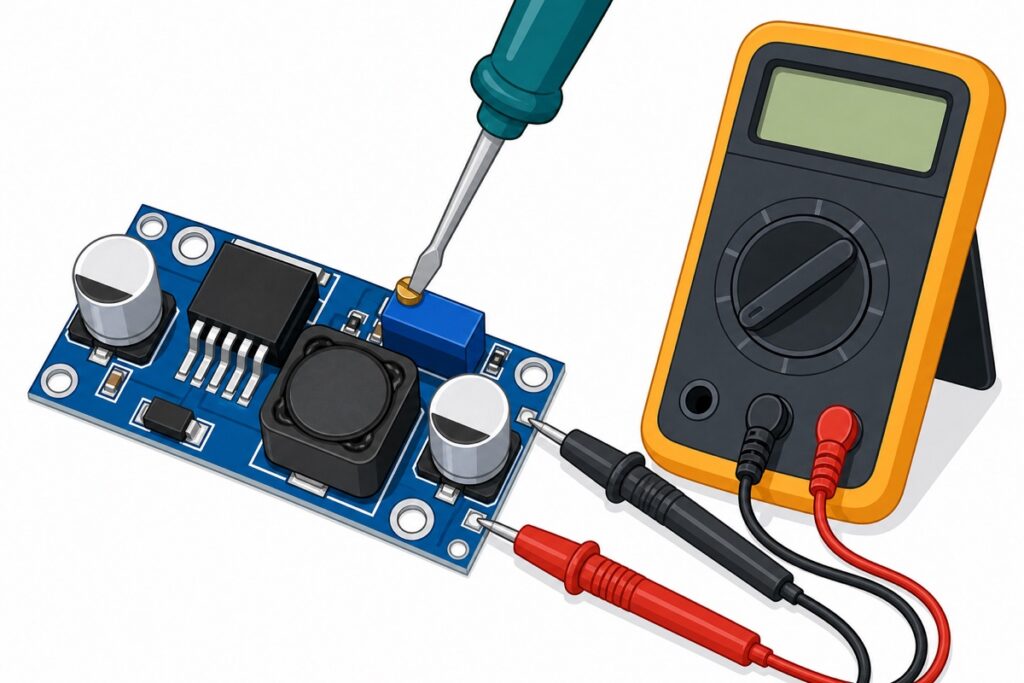
How to Adjust LM2596 Voltage to Exactly 5V (Buck Converter)

Posted on July 31, 2026August 1, 2026 by MakerHub Helper
Adjusting an LM2596 buck converter with a screwdriver while a multimeter measures the output
31
Jul

Your LM2596 buck converter ships at a random output — often 9V or 12V — and that is normal, not a defect. To set it to 5V, connect a 7–12V input to IN+/IN−, probe OUT+ and OUT− with a multimeter set to DC volts (the 20V range on manual meters), and slowly turn the trimmer […]

Continue reading →
Posted in Tutorials Leave a comment
Tutorials

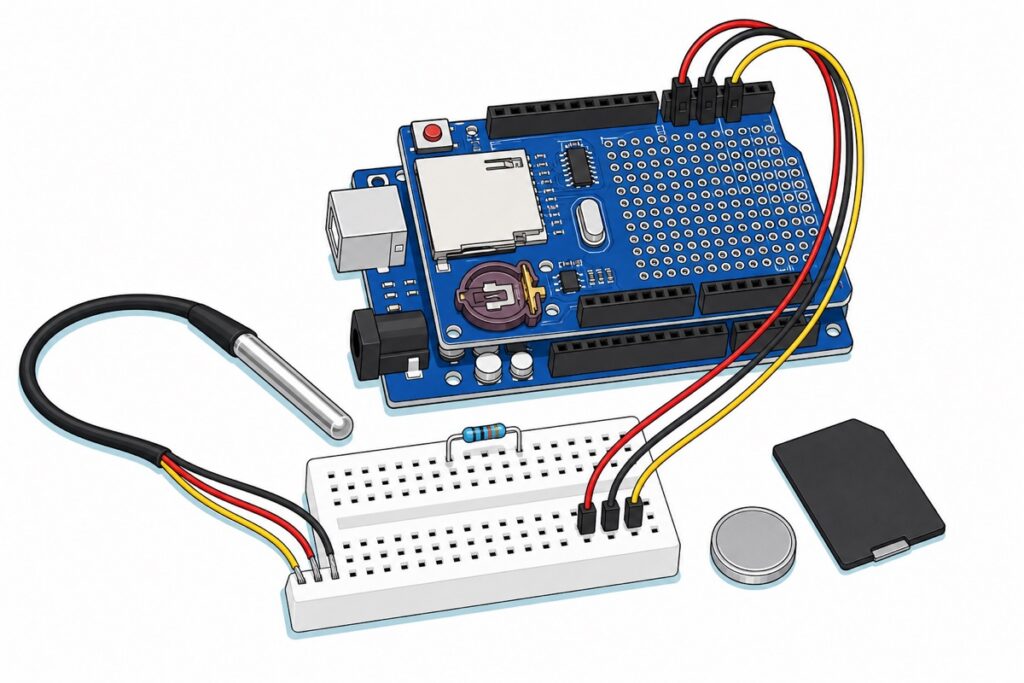
Arduino Data Logger: Log Sensor Readings to an SD Card

Posted on July 11, 2026 by MakerHub Helper
Cartoon of a blue Arduino Uno with a dark blue data logging shield stacked on top, showing a cream full-size SD socket and an empty maroon coin-cell holder, a stainless steel probe wired into a white mini breadboard, and a loose black memory card and silver coin cell on the bench
11
Jul

The Data Logging Shield gives an Uno a full-size SD socket and a DS1307 clock. Here is the wiring for a waterproof DS18B20, a compiled sketch that writes timestamped CSV rows, and the two mechanisms that decide whether your log survives a power cut: the SD library’s 512-byte RAM buffer, and the DS1307’s CH bit.

Continue reading →
Posted in Tutorials Leave a comment
Tutorials

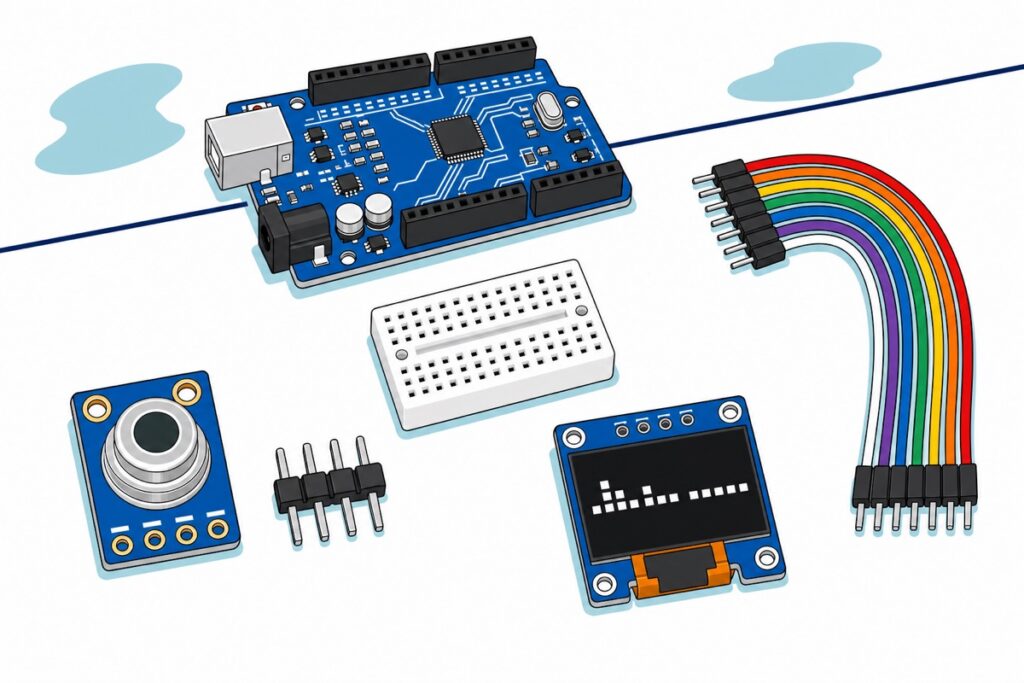
MLX90614 Arduino Guide: GY-906 Non-Contact Temperature Sensor

Posted on July 9, 2026 by MakerHub Helper
Cartoon of a small blue GY-906 MLX90614 board with a silver metal can and a loose black four-pin header beside it, a blue 0.96-inch OLED with white pixels, a plain white mini breadboard, rainbow male-to-male jumper leads and a blue Arduino Uno
09
Jul

The GY-906 MLX90614 does not measure a point — it averages everything inside a 90° cone, so the spot it reads is twice as wide as its distance. Here is the wiring, a compiled sketch, the emissivity fix for shiny metal, and why this is not a fever thermometer.

Continue reading →
Posted in Tutorials Leave a comment
Tutorials

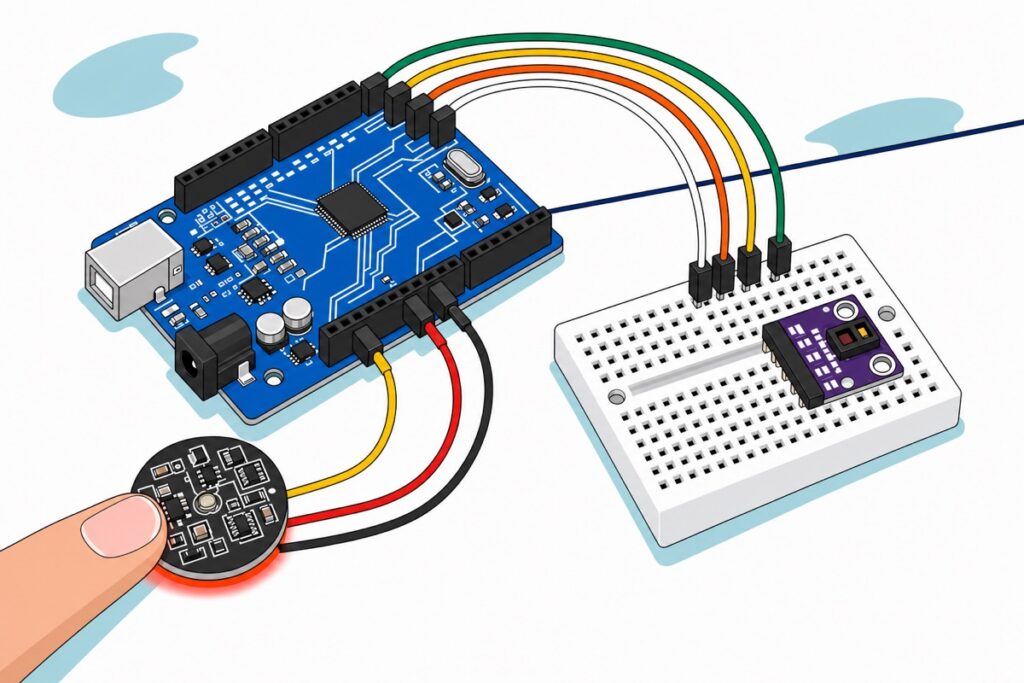
Pulse Sensor Arduino: Heart Rate with MAX30102

Posted on July 6, 2026 by MakerHub Helper
Cartoon of a blue Arduino Uno wired to a purple MAX3010x module on a white mini breadboard, beside a round black pulse sensor with yellow, red and black leads resting on a fingertip
06
Jul

A pulse sensor and a MAX30102 both measure light, not heartbeats. Wire both to one Arduino Uno, plot the raw PPG waveform with no library, read part ID register 0xFF to find out which die you actually have, and diagnose the silent I2C bus that makes a perfectly wired module invisible. Neither part is a medical device.

Continue reading →
Posted in Tutorials Leave a comment
Tutorials

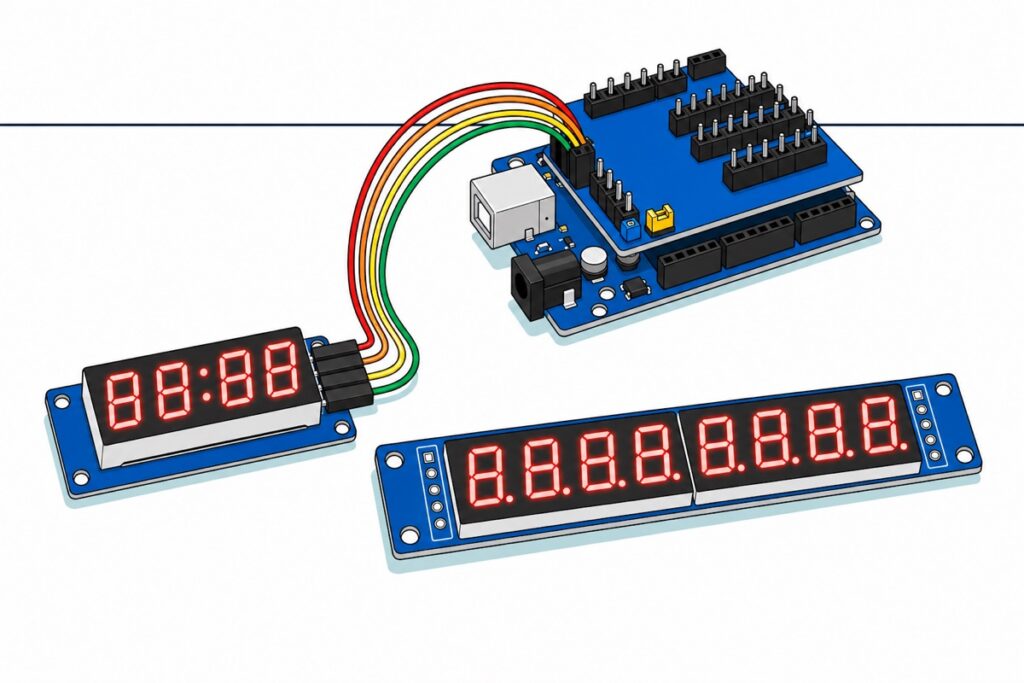
TM1637 vs MAX7219: Which 7-Segment Display Should You Buy?

Posted on July 4, 2026 by MakerHub Helper
Cartoon of a blue TM1637 four-digit display with a red colon wired by four jumper leads to a blue Arduino Uno with a sensor shield, beside a long blue MAX7219 eight-digit display whose five input pads are still bare
04
Jul

The TM1637’s two wires are not I2C, and the MAX7219’s three pins never grow no matter how many panels you chain. That asymmetry — plus what is actually in each bag — decides which 7-segment display your Arduino project should use.

Continue reading →
Posted in Tutorials Leave a comment
Tutorials

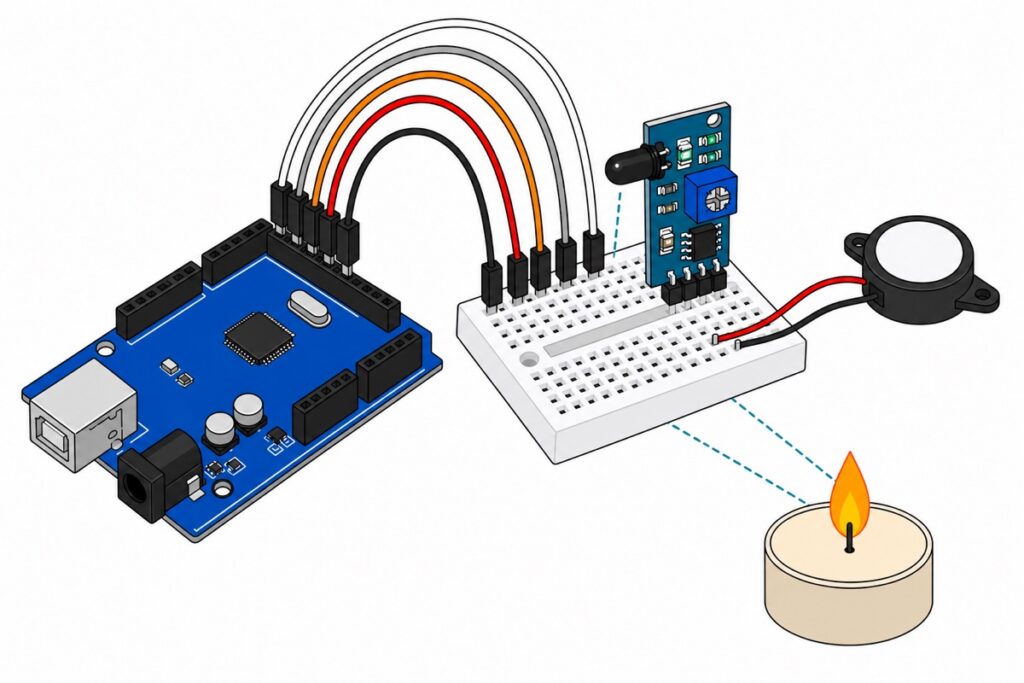
Arduino Flame Sensor Fire Alarm with Buzzer (RBT Project)

Posted on July 1, 2026 by MakerHub Helper
Kartun modul sensor api teal-biru dan buzzer piezo hitam di atas mini breadboard putih, bersambung ke Arduino Uno biru, dengan lilin kecil menyala di hadapannya
01
Jul

A flame sensor feels no heat — it sees 760–1100nm infrared light. Wire the FLAME4P to a buzzer on an Arduino Uno, calibrate the LM393 threshold by measurement instead of guesswork, and know exactly where this classroom alarm’s limits are.

Continue reading →
Posted in Tutorials Leave a comment
Tutorials

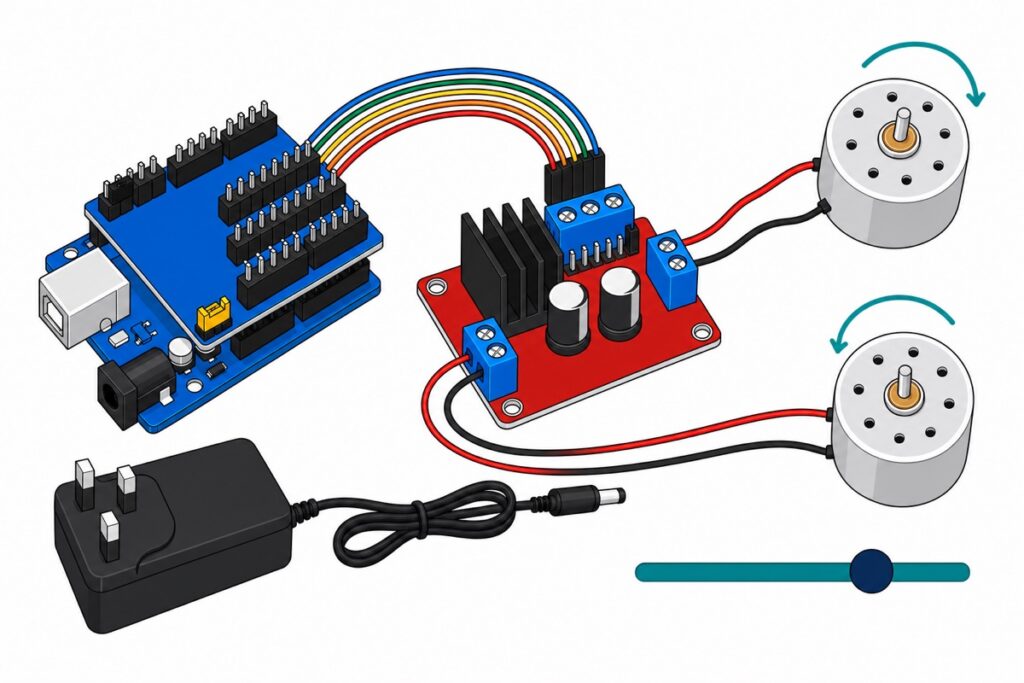
L298N Motor Driver Arduino: Direction and Speed Control

Posted on June 29, 2026 by MakerHub Helper
Cartoon of a red L298N motor driver board with a black heatsink and blue screw terminals wired to a blue Arduino Uno on a sensor shield and two silver DC motors
29
Jun

On the L298N, IN1 and IN2 choose direction and analogWrite() on ENA sets the speed. The catch: ENA ships with a jumper cap fitted, so nothing changes until you pull it off.

Continue reading →
Posted in Tutorials 2 Comments
  • 1
  • …
  • 5
  • 6
  • 7
  • 8
  • 9
  • 10
  • 11
About
Lorem ipsum dolor sit amet, consectetuer adipiscing elit, sed diam nonummy nibh euismod tincidunt.
Latest Posts
  • 30
    Oct
    12V Solenoid Lock: Fail-Secure Wiring with Arduino, Relay or MOSFET No Comments on 12V Solenoid Lock: Fail-Secure Wiring with Arduino, Relay or MOSFET
  • 29
    Oct
    Which Battery Holder? 18650 vs AA, Slots and Switch No Comments on Which Battery Holder? 18650 vs AA, Slots and Switch
  • 29
    Oct
    Which ESP32-CAM Board to Buy: Classic OV2640 or ESP32-S3 OV5640? No Comments on Which ESP32-CAM Board to Buy: Classic OV2640 or ESP32-S3 OV5640?
  • 27
    Oct
    Capacitive vs Resistive Soil Moisture Sensor: Which One Lasts in a Pot? No Comments on Capacitive vs Resistive Soil Moisture Sensor: Which One Lasts in a Pot?
  • 26
    Oct
    How to Wire a Timer Relay to 220V/240V Mains: Switch an Appliance Safely No Comments on How to Wire a Timer Relay to 220V/240V Mains: Switch an Appliance Safely
Recent Comments
  • Mini Water Pump 3V-5V: How to Choose and Drive It on Automatic Plant Watering Arduino Guide: Sensor to Pump
  • Mini Water Pump 3V-5V: How to Choose and Drive It on SIM800L Keeps Restarting? Fix the Power Supply First
  • Mini Water Pump 3V-5V: How to Choose and Drive It on Water Level Sensor for a Water Tank: Automatic Pump Control
  • Mini Water Pump 3V-5V: How to Choose and Drive It on Relay Module with Arduino & ESP32 — Wiring It Safely
  • Remote Control Car RBT Project: 3 Ways to Build It on TP4056 How to Use: Charge an 18650 Safely + Boost to 5V
Categories
  • Tutorials (102)
Archives
  • October 2026 (6)
  • September 2026 (12)
  • August 2026 (49)
  • July 2026 (12)
  • June 2026 (11)
  • May 2026 (12)
About us

At Makerhub Malaysia, our mission is to make your shopping experience for robotics and DIY electronics parts a breeze, whether you choose to shop online or visit our retail store. Discover a wide range of products for all your project needs and enjoy the excitement of our diverse selection. Visit us and unleash your creativity!

OUR SHOP

MAKERHUB @ SUNGAI BESI KL

No 12-1 (First Floor) Jalan Tasik Utama 7 Medan Niaga Tasik Damai, Sungai Besi, 57000 Kuala Lumpur.

MY MAKERHUB SDN BHD (201901024582 1333911-H)

OUR OTHER SHOP

SMITH3D @ SUNGAI BESI KL

No 12 (Ground Floor) Jalan Tasik Utama 7 Medan Niaga Tasik Damai, Sungai Besi, 57000 Kuala Lumpur.

For 3D Printing Product & Solutions
Visit Smith3D.com

Privacy Policy Terms & Conditions Refund & Returns 
Visa
MasterCard
Cash On Delivery
  • Refund and Returns Policy
  • Privacy Policy
  • Terms and Conditions
  • Track your order
Copyright 2026 © MY MAKERHUB SDN BHD
  • Shop
  • Categories
    • Sensor
    • Electrical
    • Microcontroller
    • Actuator
    • Breakout
    • Tools
    • Display
    • Shield
    • Transmission
    • Led Kit
    • Others
    • Project Kit
    • Parts
    • Battery
    • Dev Kit
    • Accessories
  • Tutorials
  • Track Order
  • Login / Register

Welcome back

Log in to your MakerHub account

Continue with Google Continue with TikTok
or

Forgot password?
Don't have an account? Sign up