

Tutorials
SIM800L Keeps Restarting? Fix the Power Supply First
May
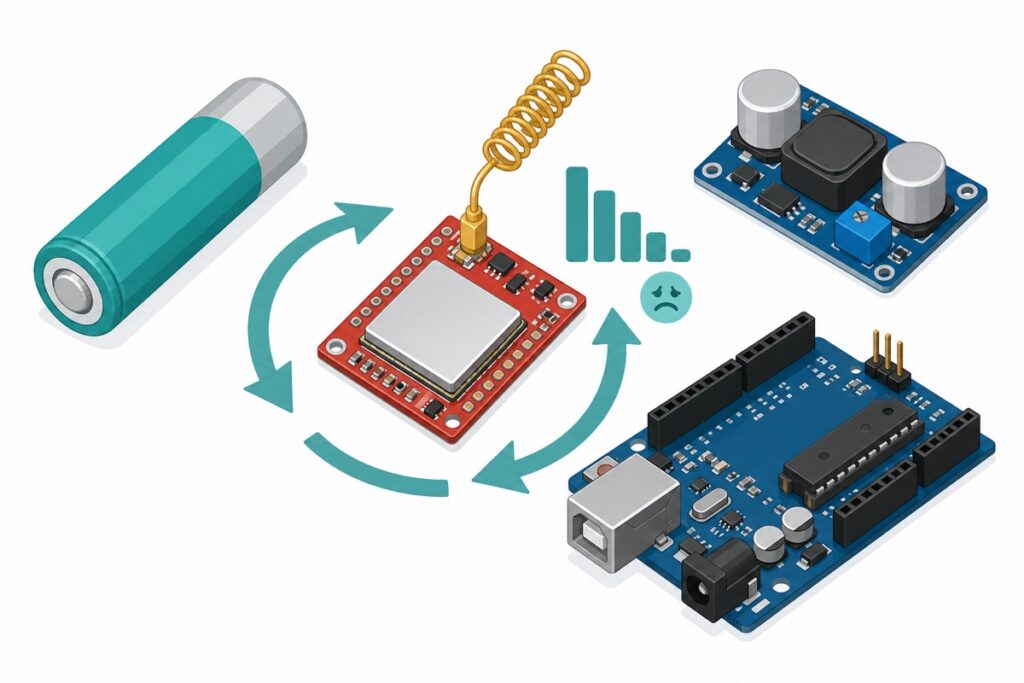
If your SIM800L keeps rebooting the moment it tries to find a network, the problem is almost certainly power. The SIM800L needs 3.4–4.4V and bursts up to 2A — more than an Arduino’s 5V pin, thin jumpers, or a power bank can deliver. Feed it a Li-ion cell or a buck set to 4.0V and the reboots stop.
Why does my SIM800L keep restarting?
The SIM800L is a 2G GSM module, and GSM transmits in short, violent bursts: in each 4.615ms radio frame it can pull up to 2A during its 577µs transmit slot (numbers from SIMCom’s SIM800L Hardware Design document). A weak supply, thin wire, or breadboard rail lets the voltage sag during that burst — SIMCom’s hardware power-down threshold is 3.0V, and a millisecond dip below it shuts the module down mid-registration.
Every SIM800L-not-working symptom shares that fingerprint: it restarts right when registration starts, sending an SMS reboots it, it answers AT happily but dies the moment it touches the network, and the NETLIGHT LED never settles.
Parts list
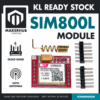 SIM800L GSM GPRS Module Quad-Band Network Development Board TTL Port for Arduino Raspberry Pi DIY Projects
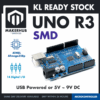 Arduino Uno Compatible SMD UNO R3 with Type B Cable - ATMEGA328P with CH340G-Microcontroller Project
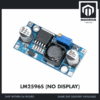 LM2596S DC-DC Buck Converter Step Down Power Module 4-40V to 1.25-37V Voltage Regulator Board - LM2596S BUCK CONVERTOR
 3.7V 18650 Battery Rechargeable Li-Ion Battery 1200mAh 2200mAh 3200mAh Flat Top - 18650 Li-Ion Battery (2200mAh)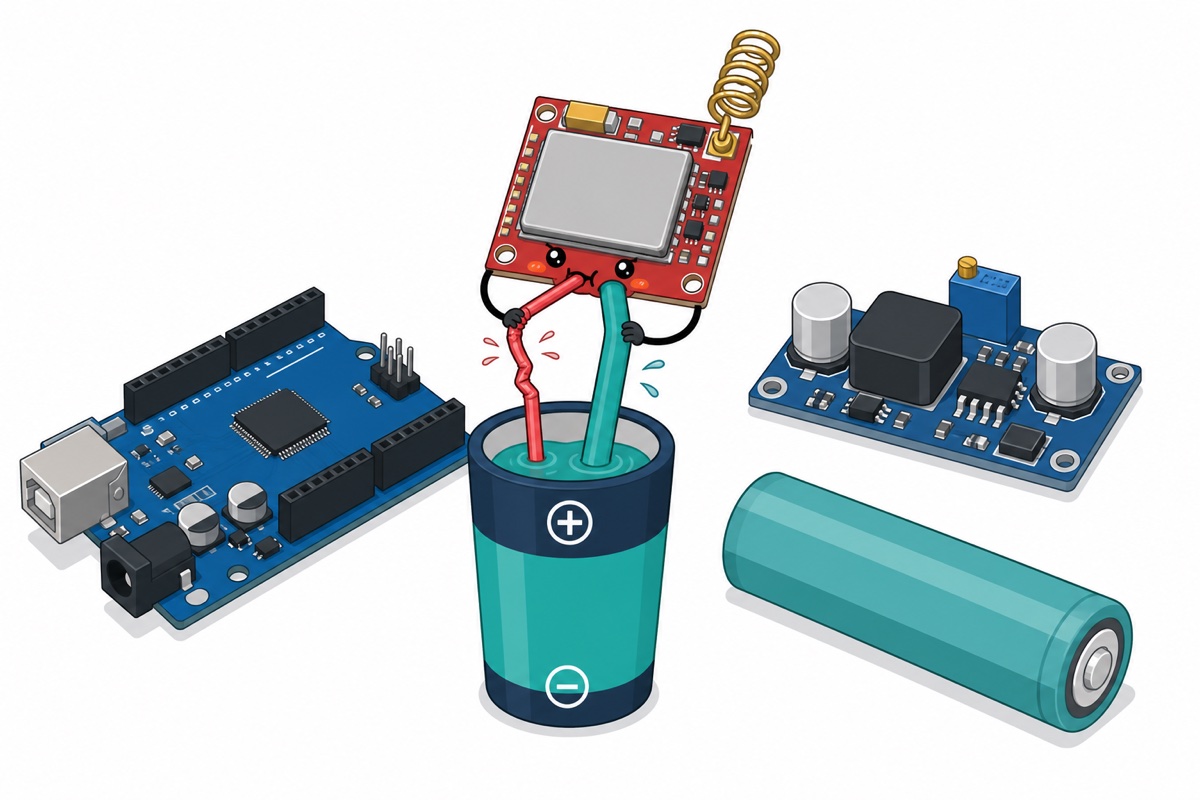
What power supply does the SIM800L actually need?
The SIM800L power supply window is strict: 3.4–4.4V with 4.0V recommended, and an absolute maximum of 4.5V. The Uno’s 5V pin is over the limit; a 3.3V rail is below the minimum before the first burst.
| Spec | Value | Why it matters |
|---|---|---|
| Supply range (VBAT) | 3.4–4.4V | 3.3V rails start below minimum and sag under load |
| Recommended voltage | 4.0V | Maximum headroom in both directions |
| Absolute maximum | 4.5V | 5V exceeds this — never feed the Uno’s 5V pin directly |
| Burst current | up to 2A | 577µs transmit bursts, every 4.615ms GSM frame |
| Bypass capacitor | 100µF low-ESR at VBAT | SIMCom: “strongly recommended” |
| Logic level (VDD_EXT) | 2.8V | Serial pins are not 5V-tolerant — divider needed on RX |
What is the NETLIGHT LED telling me?
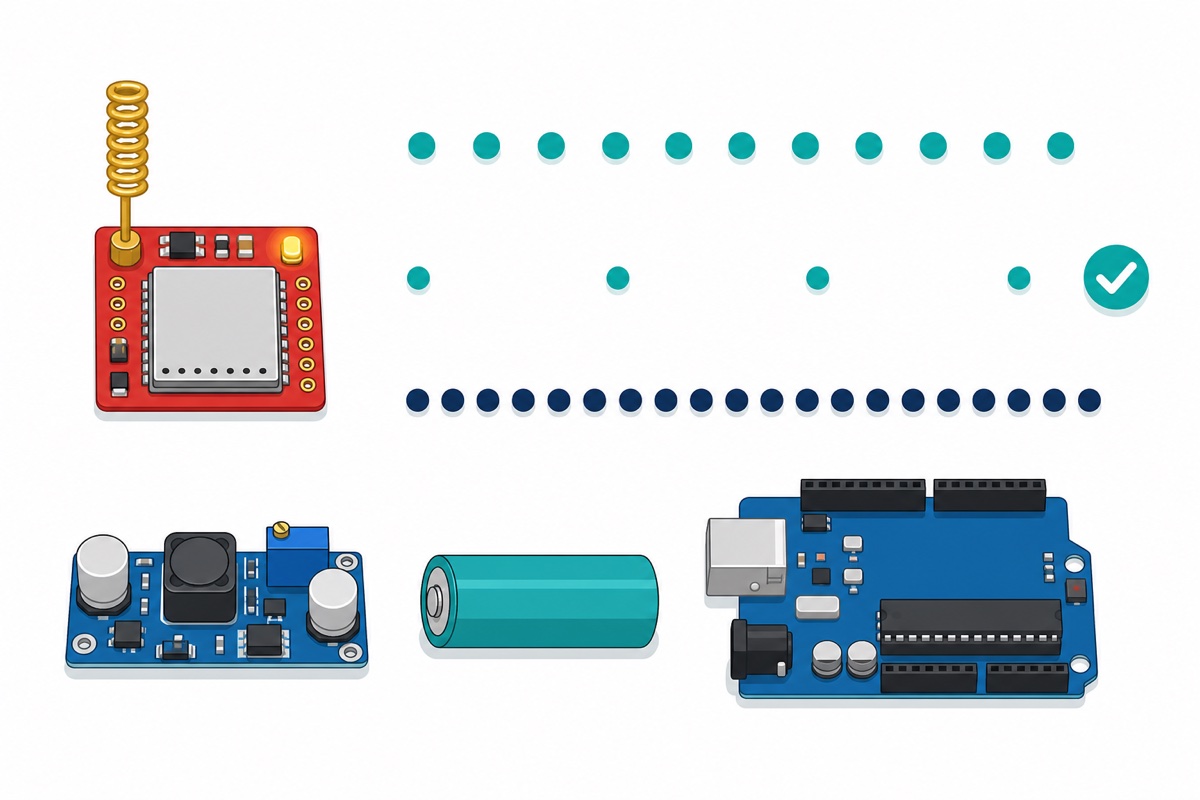
The SIM800L’s onboard NETLIGHT LED is a built-in diagnostic, and its patterns come straight from the same SIMCom document.
| Blink pattern | What it looks like | Meaning |
|---|---|---|
| 64ms on / 800ms off | Quick flash roughly every second | Searching — not registered yet |
| 64ms on / 3000ms off | Quick flash every ~3 seconds | Registered on the network — the goal |
| 64ms on / 300ms off | Rapid flashing | GPRS data session established |
| Off | — | Module not running |
The brownout signature: blinking every second, going dark, then starting over — dying exactly when registration draws real current. The lazy 3-second blink means the problem is solved.
What is the right way to power the SIM800L?
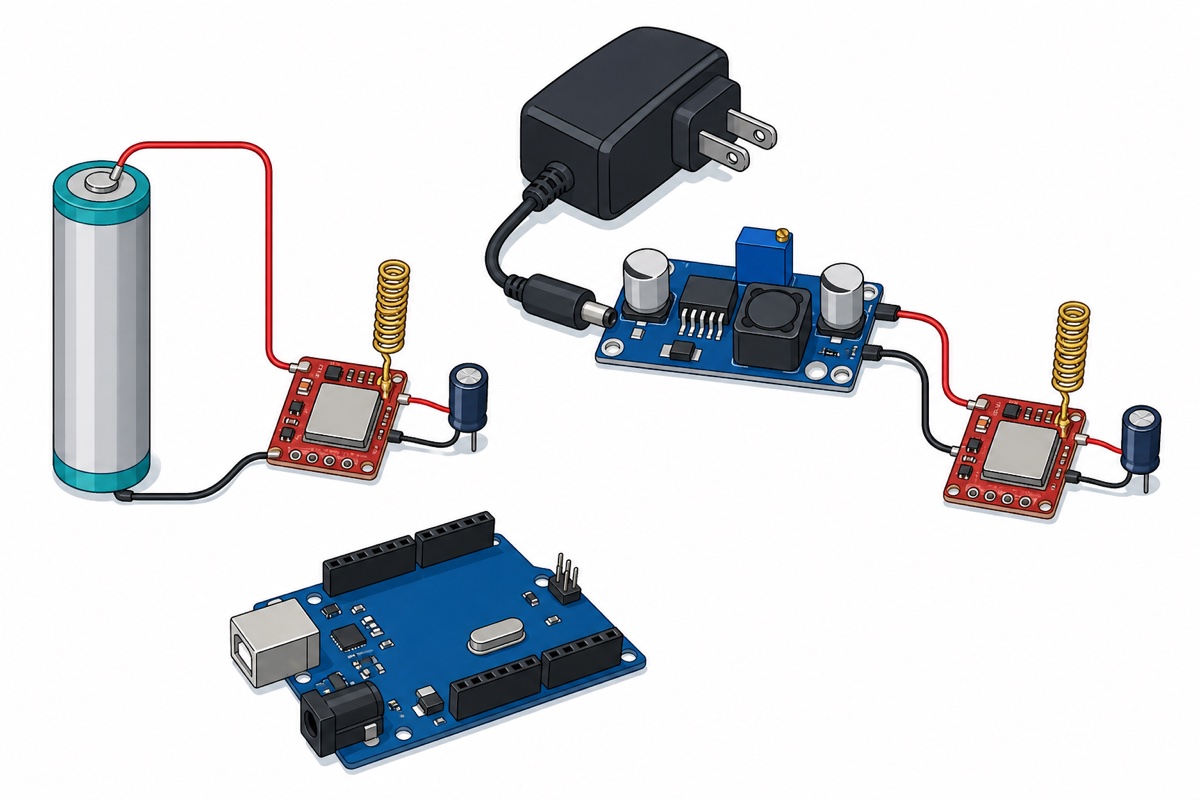
Option 1 — a single Li-ion 18650, wired directly
The SIM800L was designed for battery power — SIMCom states a single 3.7V Li-ion cell can be connected to the VBAT pins directly. An 18650 cell sits at 3.7–4.2V across its discharge curve (a fresh charge reads 4.2V — near the 4.4V ceiling, but within it) and delivers 2A bursts without flinching.
Keep the leads short and thick — SIMCom budgets under 150mΩ of total wiring resistance. For charging the cell safely, see our TP4056 18650 charging guide.
Option 2 — an LM2596 buck converter set to 4.0V
The LM2596 buck converter turns any 7–12V adapter into a steady 4.0V rail with 2A to spare. Use the technique from our LM2596 adjustment guide — just stop the trimmer at 4.0V instead of 5.0V.
Either way, solder a fat electrolytic capacitor — 470–1000µF, generic is fine — close to the module’s VCC and GND pins, on top of the datasheet’s 100µF low-ESR. It is a local reservoir that rides through each burst.
Why does a power bank not work?
The SIM800L and a USB power bank fail twice over. The bank’s 5V output is above the module’s 4.5V absolute maximum, and most banks auto-sleep when the load drops to tens of milliamps — an idle SIM800L sips far less, so the bank switches itself off mid-session. Power banks are built for phones, not for modules that sip quietly and then gulp.
How do I connect the SIM800L to an Arduino Uno safely?
The SIM800L’s serial pins run at 2.8V logic (VDD_EXT), so the Arduino Uno‘s 5V TX signal must be divided down before it reaches RX. Two equal 10k resistors land at about 2.5V — inside the datasheet’s 2.1–3.0V window for a logic HIGH. (The popular 10k/20k pair gives ~3.3V — just above the 3.0V input maximum in SIMCom’s digital-interface table — Table 38.)
The other direction needs no parts in practice: the module’s 2.8V TX sits a whisker under the Uno’s guaranteed 3.0V HIGH threshold, but real ATmega328P chips register it fine. The header pins ship loose in the bag — our header soldering guide covers that first.
| SIM800L pin | Connects to | Notes |
|---|---|---|
| VCC | 18650 positive, or LM2596 OUT+ at 4.0V | Never the Uno’s 5V pin |
| GND | Supply negative AND Uno GND | Common ground is mandatory |
| TXD | Uno D2 | 2.8V reads as HIGH — direct wire is fine |
| RXD | Uno D3 via divider | 10k from D3 to RXD, 10k from RXD to GND (≈2.5V) |
| RST | Leave unconnected | Not needed for basic use |
How do I test the SIM800L with AT commands?
Three AT commands tell you everything about a SIM800L: AT proves the wiring, AT+CSQ the signal, AT+CREG? the registration. Insert an active 2G SIM, upload this sketch, and open the Serial Monitor at 9600 baud.
#include <SoftwareSerial.h>

// SIM800L TXD -> Uno D2 (direct wire)
// SIM800L RXD -> Uno D3 through the 10k/10k divider
SoftwareSerial sim800(2, 3); // RX, TX

void setup() {
  Serial.begin(9600);
  sim800.begin(9600);
  delay(3000);                // let the module boot

  sim800.println("AT");       // expect: OK
  delay(500);
  sim800.println("AT+CSQ");   // signal quality, expect: +CSQ: 10..31,x
  delay(500);
  sim800.println("AT+CREG?"); // registration, expect: +CREG: 0,1 (or 0,5)
  delay(500);
}

void loop() {
  // passthrough: type more AT commands in Serial Monitor
  if (sim800.available()) Serial.write(sim800.read());
  if (Serial.available()) sim800.write(Serial.read());
}
+CSQ below 10 is weak (99 = no signal — check the antenna); +CREG: 0,1 means registered. If AT answers OK but the module reboots on registration, that is brownout — fix the supply, not the code.
This bench walkthrough covers the same checks:
Is 2G still available in Malaysia?
The SIM800L is 2G-only, so this question matters. As of this writing, 2G is still on air in Malaysia — 3G was retired at the end of 2021, but 2G stayed for voice fallback and machine-to-machine devices, and CelcomDigi’s help page states there are no current plans to shut it down. Plans can change, though, and not every operator or MVNO carries 2G — confirm 2G M2M support with your carrier before a multi-year deployment.
Common mistakes we see from real customers
Powering it from a power bank. A real support case: a customer’s build kept dropping offline, and the culprit was the power bank — it slept whenever the module idled, and its 5V output was over the limit anyway. An 18650 in a holder fixed it the same afternoon.
Trusting the multimeter. The meter reads 4.0V, so the supply seems fine — but a multimeter averages over hundreds of milliseconds and the dip lasts 577µs. When the symptoms say brownout, believe them: add the capacitor, thicken the wires.
Taking 5V from the Arduino. Wrong twice: 5V is above the 4.5V absolute maximum, and the Uno’s regulator cannot source 2A bursts anyway. The module usually survives just long enough to convince you it is defective.
Blaming the SIM card. A module blinking every second forever is usually browning out mid-registration, missing its antenna, or holding a SIM from a network without 2G. Swap the SIM last.
FAQ
Can I power the SIM800L from the Arduino’s 5V pin?
No. The absolute maximum supply is 4.5V, so 5V is over the limit — and the Uno’s regulator cannot source the 2A transmit bursts either. Use a Li-ion cell or a buck converter set to 4.0V.
Why does my SIM800L blink every second but never register?
A flash every second means it is still searching. Check the supply holds 3.4V through 2A bursts, the antenna is attached, and the SIM is on a network that still runs 2G. Reboots mid-search mean power.
What capacitor should I add to stop the SIM800L rebooting?
SIMCom strongly recommends 100µF low-ESR at VBAT. In practice a 470–1000µF electrolytic close to the module’s VCC and GND pins, on short leads, cures most stubborn cases.
Is the SIM800L still worth buying in Malaysia?
Yes for now — 2G remains available in Malaysia with no announced shutdown at the time of writing. For multi-year deployments, confirm 2G M2M support with your carrier first.
Last updated August 2026. Stuck? Chat with us on WhatsApp.

Pingback: Choose a DC Power Supply: Volts, Amps, Barrel Jacks
Pingback: Mini Water Pump 3V-5V: How to Choose and Drive It