

Tutorials
ESP32 vs ESP8266 vs Arduino UNO: Which Board Should You Buy
May
Buy the Arduino Uno for offline projects built around 5 V motors and sensors, the ESP8266 NodeMCU for WiFi projects on the tightest budget, and the ESP32 when you need Bluetooth, a camera, or serious memory. For most IoT builds and FYPs, the ESP32 DevKit is the safest all-rounder. Here is the honest comparison, including the traps.
What is the quick answer for ESP32 vs ESP8266 vs Arduino Uno?
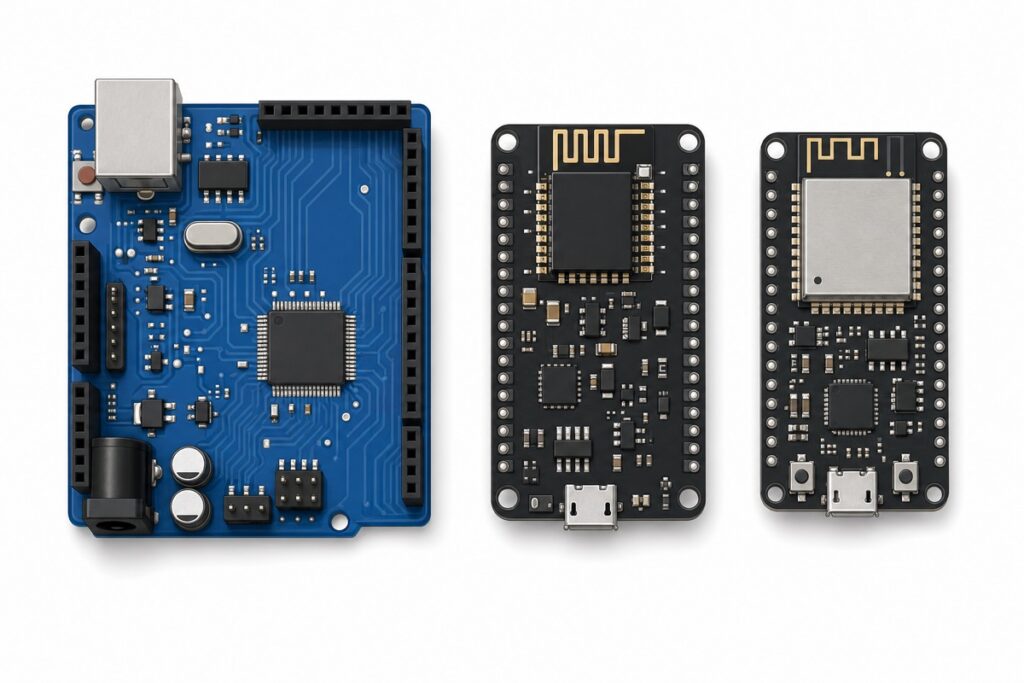
The Arduino Uno, the ESP8266 NodeMCU and the ESP32 DevKit answer the question we hear more than any other at MakerHub: “which board should I buy?” The short version: the Uno is the classroom workhorse, the ESP8266 is the budget WiFi board, and the ESP32 is the modern do-everything chip.
The Uno speaks 5 V — the same voltage as most school robotics kits and hobby sensor modules. The ESP8266 and ESP32 speak 3.3 V and bring WiFi on the chip itself. The fourth option: the ESP32-C3 Super Mini, an ESP32-family board shrunk to postage-stamp size for wearables and tight enclosures.
The three boards (plus one compact option)
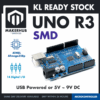 Arduino Uno Compatible SMD UNO R3 with Type B Cable - ATMEGA328P with CH340G-Microcontroller Project
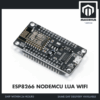 NodeMCU V3 ESP8266 Development Board WiFi CH340 V3 IOT - ESP8266 NODEMCU V3 LUA WIFI
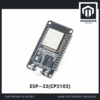 NodeMCU ESP32 Wi-Fi + Bluetooth Development Board CH340/CP2012 - For IOT Project - ESP-32(CP2102)
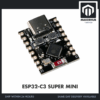 ESP32 Super Mini Ultra Small Size ESP32-C3 RISC-V Low Power Consumption - ESP32-C3 SUPER MIN
How do the ESP32, ESP8266 and Arduino Uno specs compare?
The ESP32 DevKit wins almost every line of this table — the real question is whether your project needs those wins. Figures come from the official Arduino Uno documentation, the ESP8266EX datasheet, the ESP32 datasheet and the ESP32-C3 datasheet.
| Spec | Arduino Uno (UNOCH34) | ESP8266 NodeMCU (E82V3CH) | ESP32 DevKit (32CP210) | ESP32-C3 Super Mini (E32SPMN) |
|---|---|---|---|---|
| CPU | 8-bit AVR ATmega328P, 1 core | 32-bit Tensilica L106, 1 core | 32-bit Xtensa LX6, 2 cores | 32-bit RISC-V, 1 core |
| Clock | 16 MHz | 80 MHz (boost 160 MHz) | Up to 240 MHz | 160 MHz |
| RAM (SRAM) | 2 KB SRAM | ~80 KB user RAM (≈50 KB free heap) | 520 KB SRAM | 400 KB SRAM |
| Flash | 32 KB on-chip | 4 MB module flash | 4 MB module flash | 4 MB flash |
| WiFi | None | 2.4 GHz 802.11 b/g/n | 2.4 GHz 802.11 b/g/n | 2.4 GHz 802.11 b/g/n |
| Bluetooth | None | None | Classic v4.2 + BLE | BLE 5 only (no Classic) |
| ADC | 10-bit, 6 pins (0–5 V) | 10-bit, 1 pin (0–3.3 V on NodeMCU) | 12-bit, 18 channels* | 12-bit, 6 channels (5 usable) |
| Logic voltage | 5 V | 3.3 V | 3.3 V | 3.3 V |
| 5 V-tolerant inputs | Yes (native 5 V) | No | No | No |
| USB + serial chip | USB-B, CH340G | Micro-USB, CH340 | Micro-USB, CP2102 | USB-C, native USB (no serial chip) |
| Price tier | Entry-level | Cheapest WiFi board | Slightly above ESP8266 | Between the two |
*The ESP32’s “18 ADC channels” deserves an honest asterisk: ten sit on ADC2, which is shared with the WiFi driver — those pins stop reading reliably while WiFi runs, so plan analog inputs around ADC1 (GPIO 32–39; 34–39 are input-only). You still get touch sensing, two DACs and three UARTs the others lack.
The ESP8266’s single ADC pin has its own quirk: the bare chip accepts only 0–1 V; the NodeMCU’s onboard voltage divider is what stretches the range to 0–3.3 V. Feed 3.3 V into a bare ESP-12 module’s ADC pin and you are out of spec.
For a hands-on look at the ESP32 next to the ESP8266 in the Arduino IDE, Andreas Spiess’s walkthrough is a solid watch:
Which board should you buy for your project?
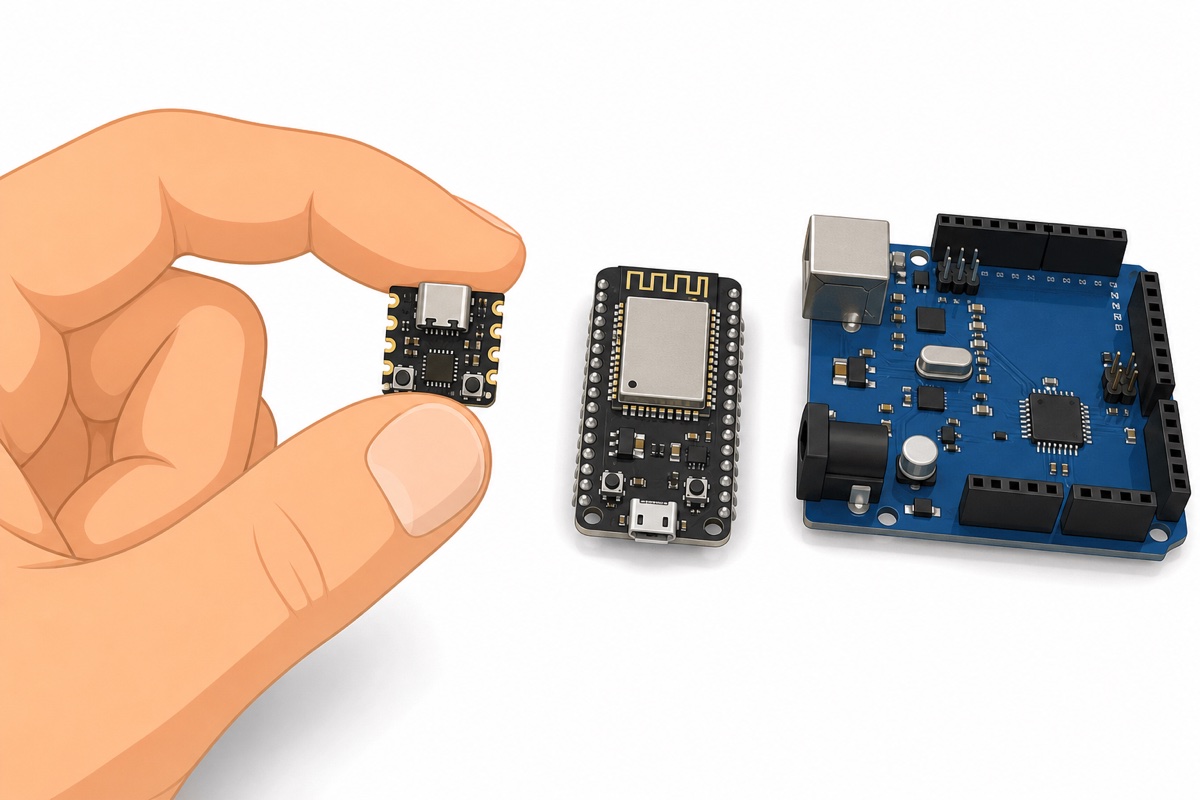
The Arduino Uno is still the right buy for school RBT projects and any build dominated by motors, relays and 5 V sensor modules with no internet in sight. Tutorials are endless and a wiring mistake rarely kills the board. Our automatic plant watering project shows an Uno being exactly enough — grab the Uno-compatible board here.
The ESP8266 NodeMCU is the budget answer the moment “control from WiFi” enters the plan. One core and one analog pin are real limits, but for a DHT sensor pushing readings to an app or a WiFi relay, it is all you need — the NodeMCU V3 is here.
The ESP32 DevKit is the default we recommend for FYPs: Bluetooth Classic and BLE, two cores, and enough RAM to run a web server while logging sensors. If your project mentions a camera, audio, or BLE beacons, skip the ESP8266 and take the ESP32 DevKit.
The ESP32-C3 Super Mini exists for when the enclosure matters more than the pin count: wearables, badges, hidden sensors. It keeps WiFi and BLE 5 in a coin-sized footprint with the USB controller built straight into the chip (USB-C connector, no serial chip) — see the C3 Super Mini.
| If your project is… | Buy |
|---|---|
| School RBT / robotics with motors and 5 V sensors, no internet | Arduino Uno compatible |
| Simple WiFi/IoT on the smallest budget | ESP8266 NodeMCU V3 |
| Camera, Bluetooth, web dashboard, or multitasking IoT (most FYPs) | ESP32 DevKit |
| Wearable or space-constrained build with WiFi/BLE | ESP32-C3 Super Mini |
What traps catch people switching between these boards?
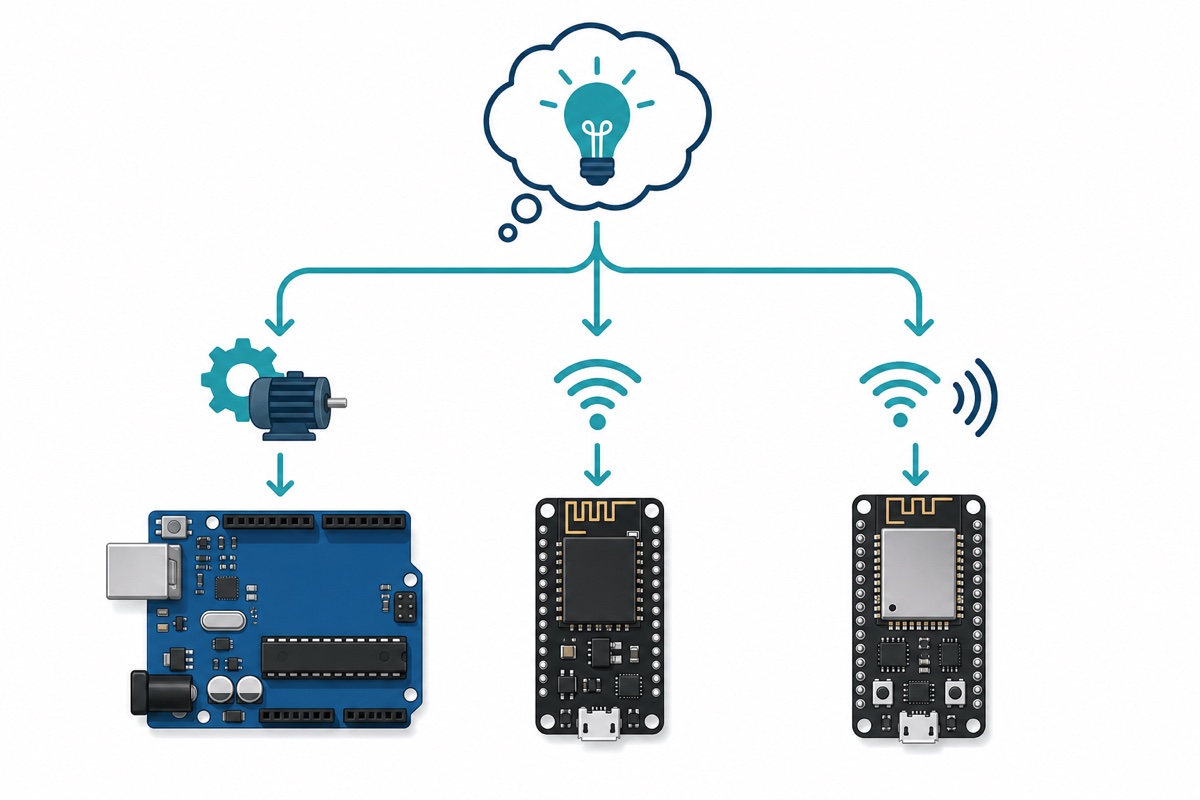
The 3.3 V logic trap. The ESP8266 and ESP32 run 3.3 V logic and their pins are not 5 V-tolerant, but most hobby sensor modules were designed for the Uno’s 5 V world. Some work fine at 3.3 V, some feed 5 V back and slowly cook an ESP pin, some just read garbage. Check each module’s output voltage; add a voltage divider or level shifter where it drives 5 V.
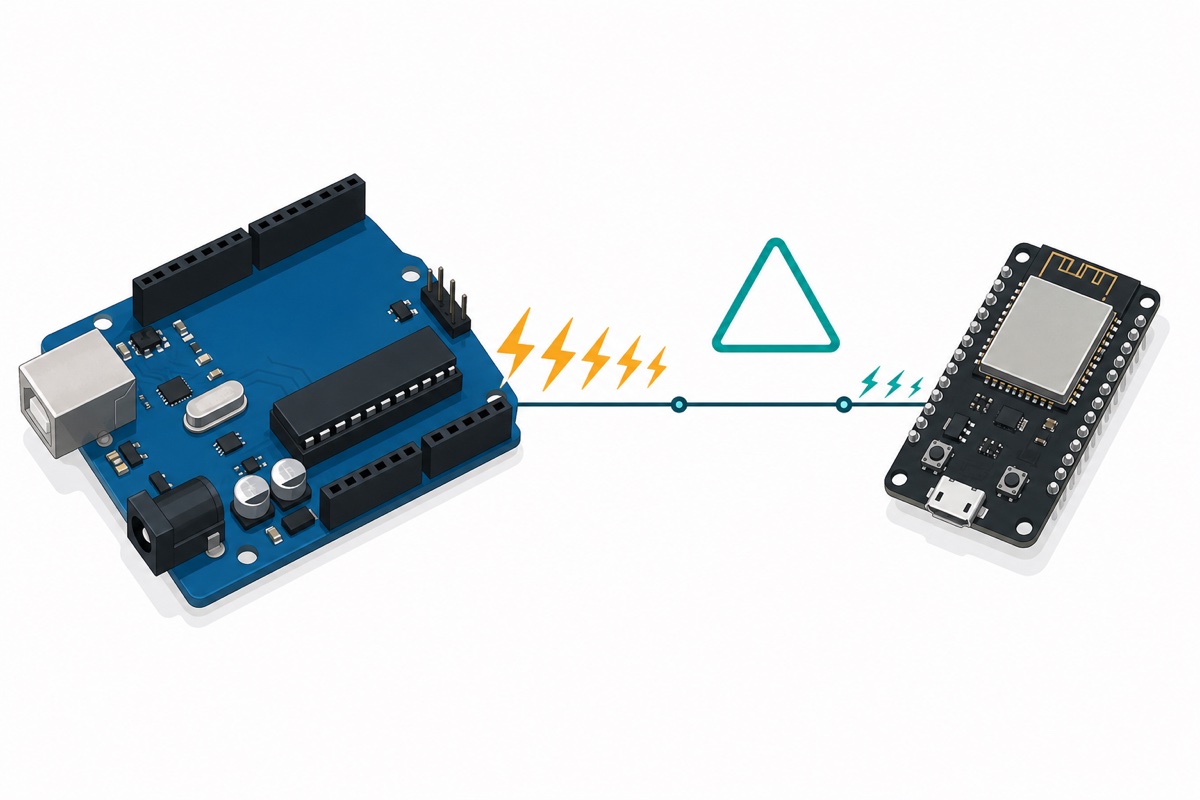
The power trap. The ESP32’s and ESP8266’s WiFi radios draw brief current spikes far above their idle draw — Espressif’s hardware design guidelines call for a 3.3 V supply good for at least 500 mA. On a weak USB port or a thin charging-only cable, the board browns out and resets the instant WiFi starts. Powering from lithium cells? Read our guide to charging 18650s safely with the TP4056 first.
The pin-label trap. The NodeMCU’s printed D0–D8 labels do not match the ESP8266’s GPIO numbers — D1 is GPIO5, D2 is GPIO4 — so never assume they align. On the ESP32, a few strapping pins (GPIO 0, 2, 12, 15) can stop the board booting if something pulls them the wrong way at power-on.
Common mistakes we see from real customers
The ESP32 and NodeMCU star in many of our “board rosak” conversations — and the board is almost never actually broken.
“esp32 tak detect/error 2/boot button” — a theme we see week in, week out, and three fixes hide inside it. Install the right USB-serial driver (CP2102 for our ESP32 DevKit, CH340 for the NodeMCU and the Uno-compatible), swap to a proper data USB cable, and if the IDE hangs at “Connecting…”, hold the BOOT button until the upload starts. Full walkthrough in ESP32 not detected / upload failed — the fix.
Another regular: a 5 V ultrasonic or IR module that behaves on the Uno but gives wild readings on an ESP32 — the logic-level trap above, not a faulty board.
And the sneakiest one: sketches that run perfectly until WiFi.begin(), then the board reboots in a loop. The fix is usually a better cable or USB port, not new code — the WiFi radio’s current spike is collapsing a weak supply.
FAQ
Can the Arduino Uno connect to WiFi?
The Uno has no radio at all. You can bolt on a WiFi module, but that usually costs more effort than simply using an ESP8266 or ESP32, which have WiFi built in and program from the same Arduino IDE.
Can I run my Arduino code on the ESP32 or ESP8266?
Mostly yes. Install the ESP32 or ESP8266 board package in the Arduino IDE and the same C++ sketches compile, with adjustments: pin numbers differ, a few AVR-only libraries will not build, and anything assuming 5 V logic needs rethinking.
Why does my ESP8266 only have one analog pin?
The ESP8266 chip genuinely has a single ADC channel — a silicon limit, not a board fault. If your project reads several analog sensors, choose the ESP32 or add an external I2C ADC module.
Which board is best for my FYP?
The ESP32 DevKit, in most cases. It has headroom for WiFi dashboards, Bluetooth, cameras and sensor logging at once, so mid-project scope changes will not force a board swap. Pick the Uno only for fully offline builds on 5 V parts.
Is the ESP32-C3 Super Mini the same as a normal ESP32?
The ESP32-C3 is a different chip: a single RISC-V core at 160 MHz with WiFi and BLE 5, but no Bluetooth Classic and fewer pins. It suits compact builds; pick the full DevKit for Bluetooth Classic, two cores or more peripherals.
Last updated August 2026. Stuck? Chat with us on WhatsApp.

Pingback: ESP32 DevKit V1 vs WROOM-32E vs S3 vs C3: Which ESP32 to Buy
Pingback: Arduino Nano V3 Setup: CH340 Driver + First Upload
Pingback: What Is Arduino? A Complete Beginner's Guide From Zero
Pingback: Arduino Starter Kit: What's Actually Inside, and Is It Worth It?