

 Light Sensor Module Photosensitive Light Detection LDR For Arduino IOT Application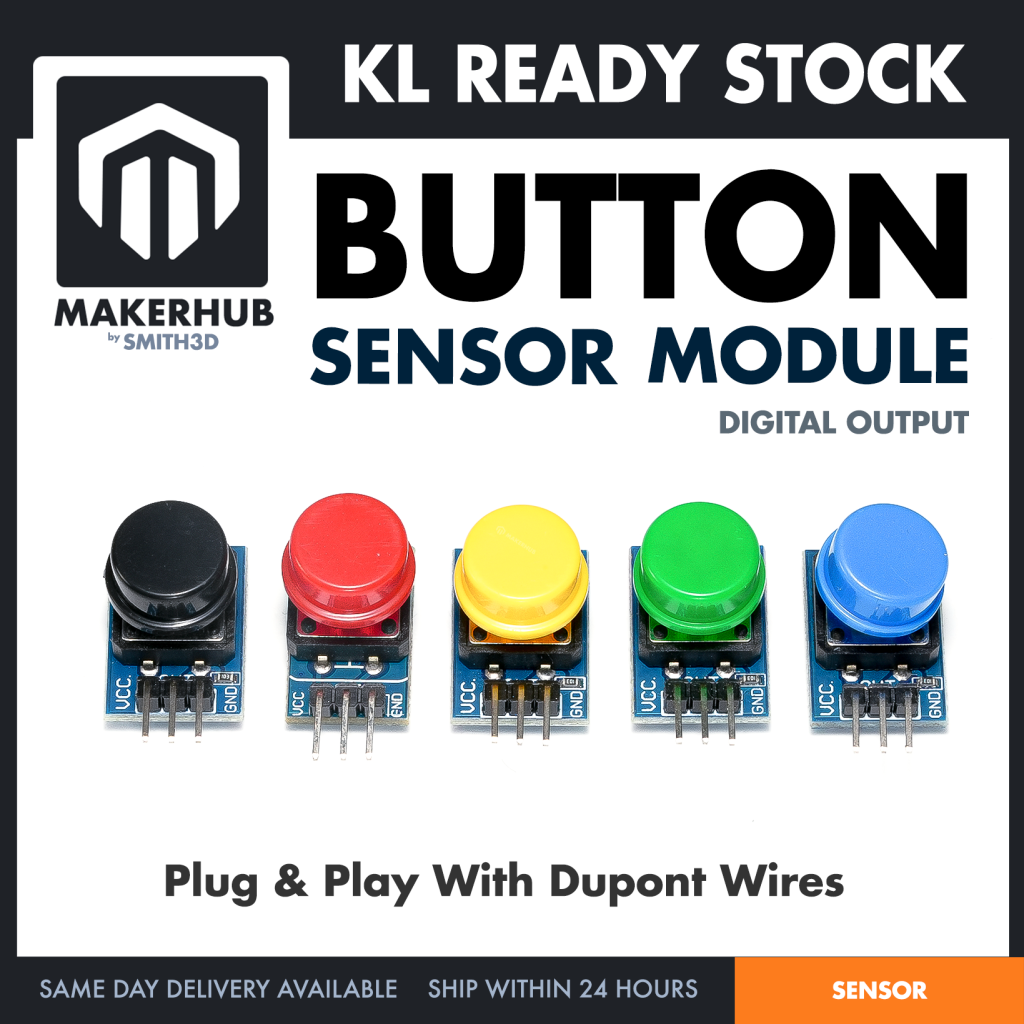
✅ Ready Stock in KL(Sungai Besi)
🔥 Ship within 24 hours from KL on working hours | Monday to Saturday, ( 10:00 AM to 6:00 PM ), Closed on Sunday
🚚 Same Day Delivery Available For Klang Valley Customers.
☎️ Message us via Shopee Chat or Whatsapp +6011 – 6822 6855 to arrange same day delivery or for product enquiry
A push-button switch module for maker projects — a board carrying a push switch, so you can wire a button to your controller with leads instead of soldering a bare switch onto flying wires. The board and connector detail on this page are read off the Red module (BUTTONM), which is the option in our photo.
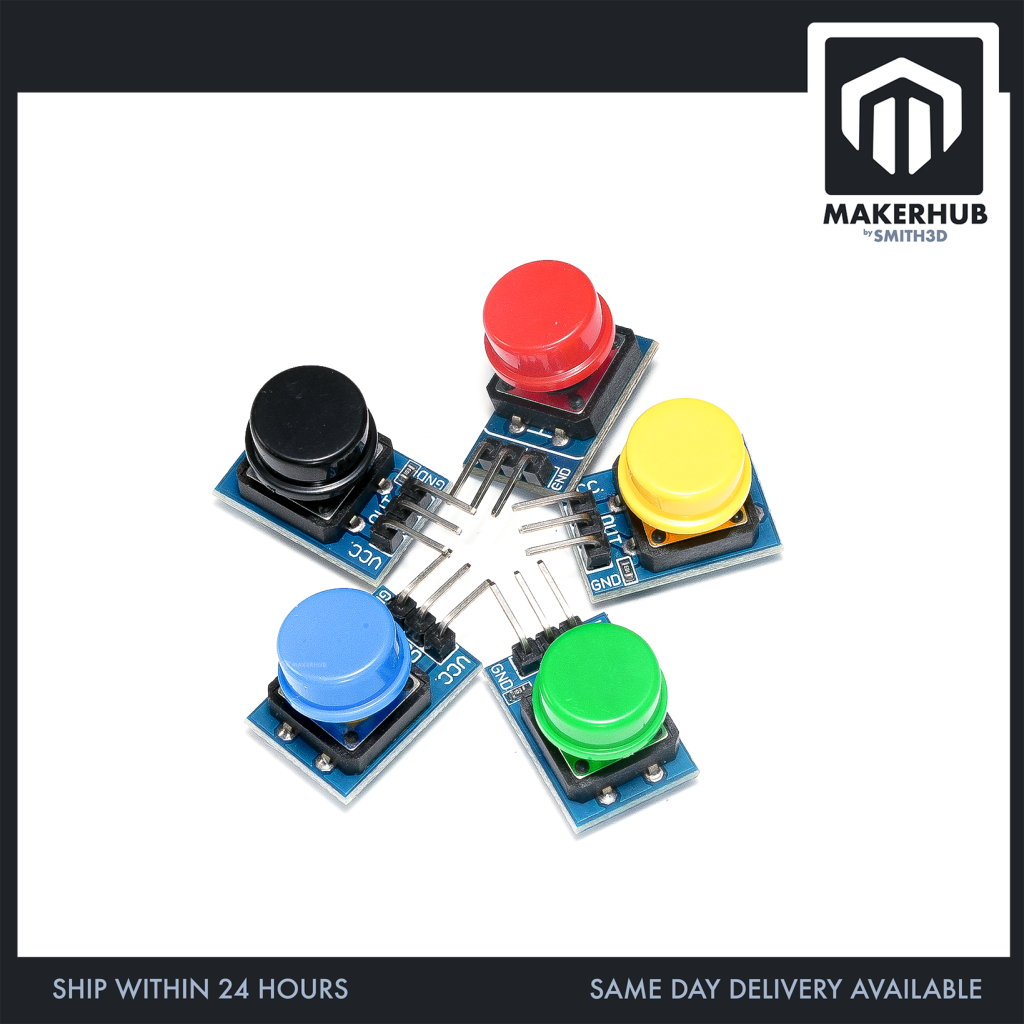
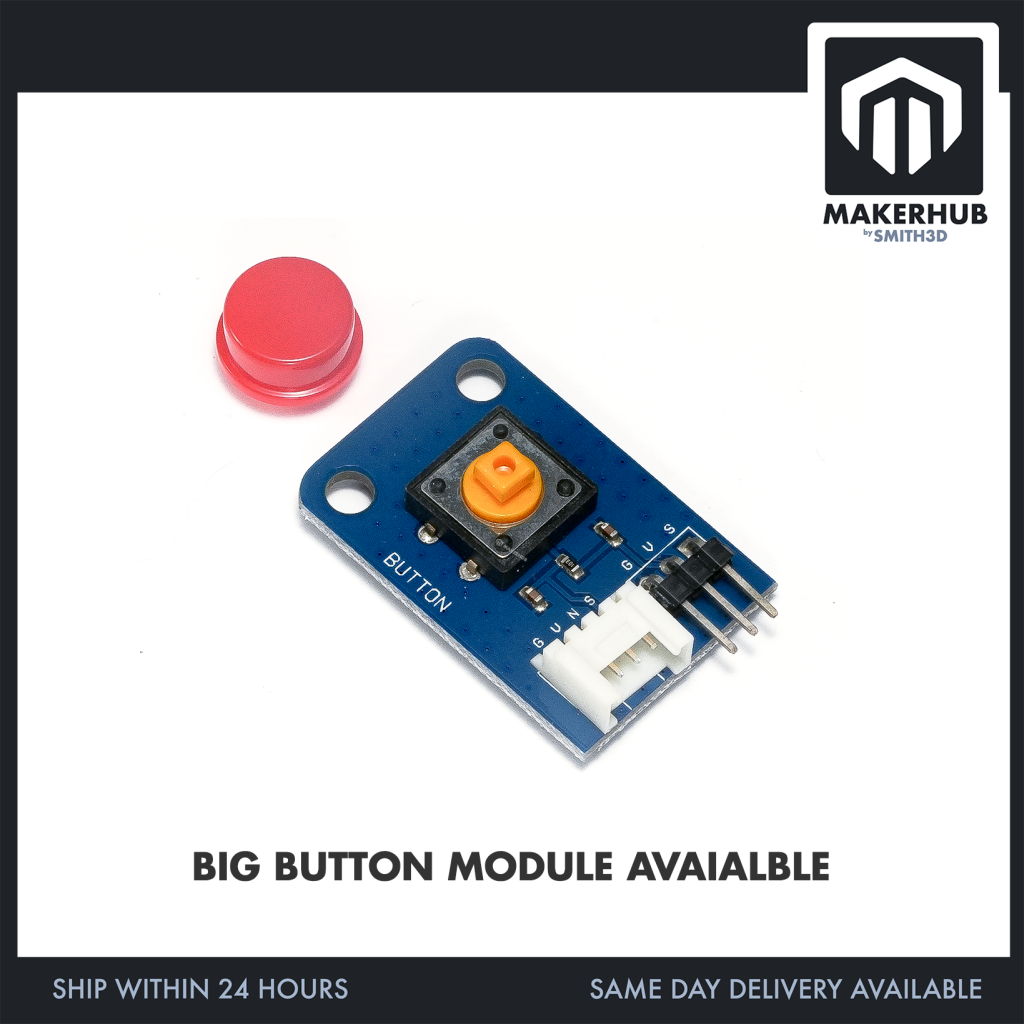
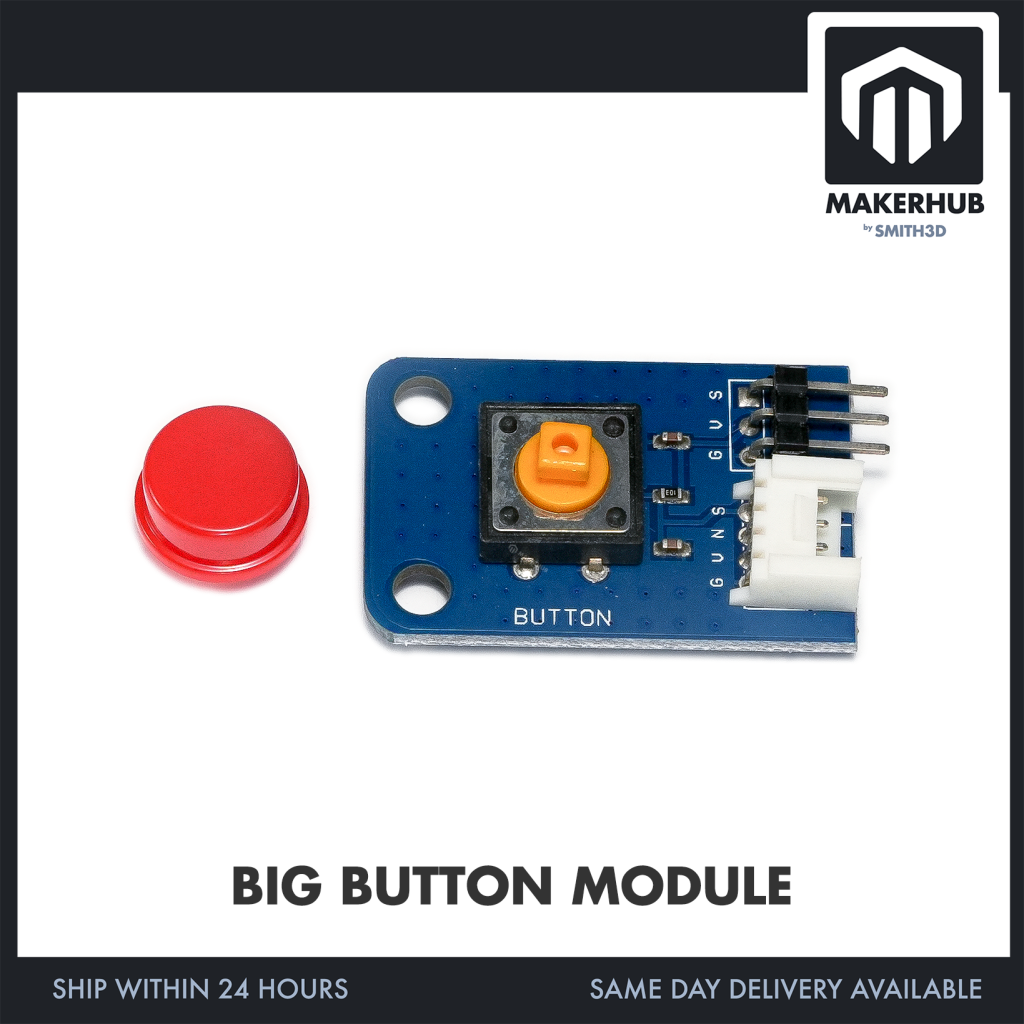
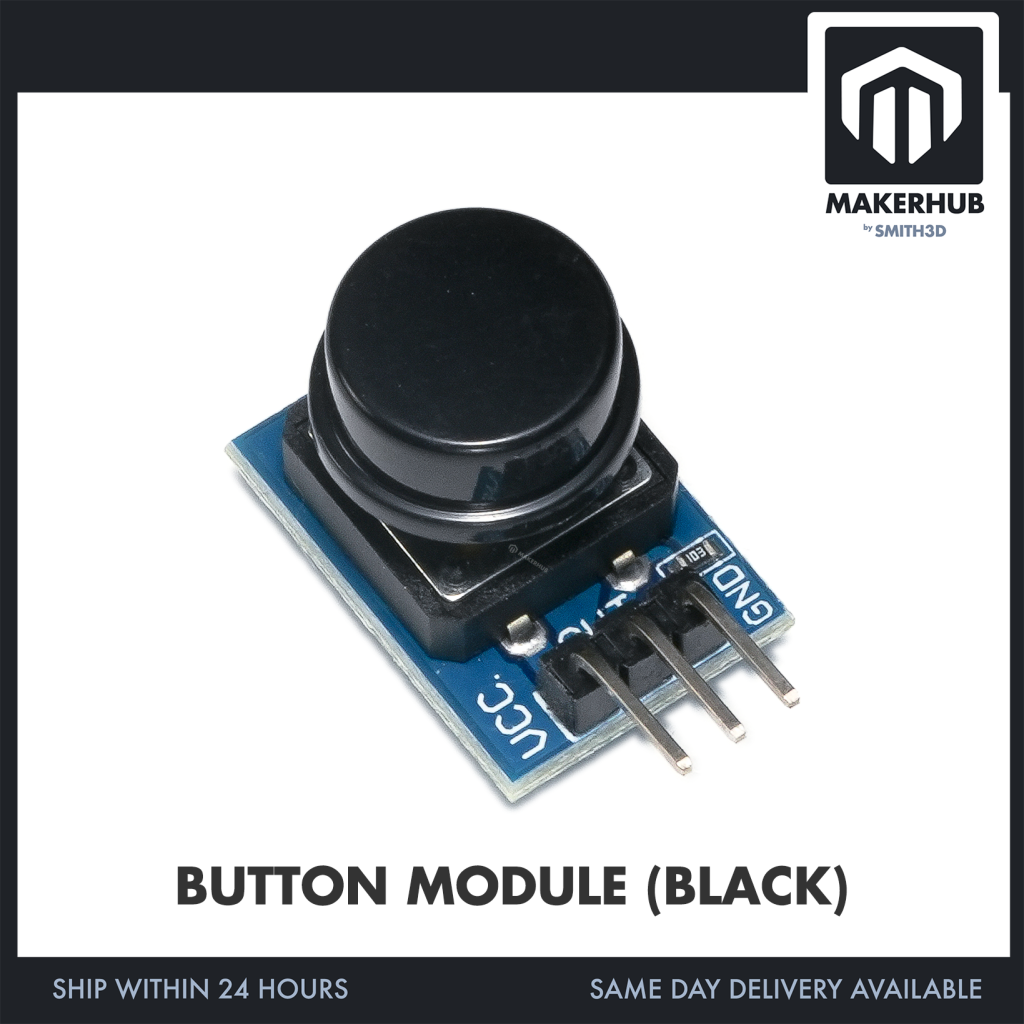
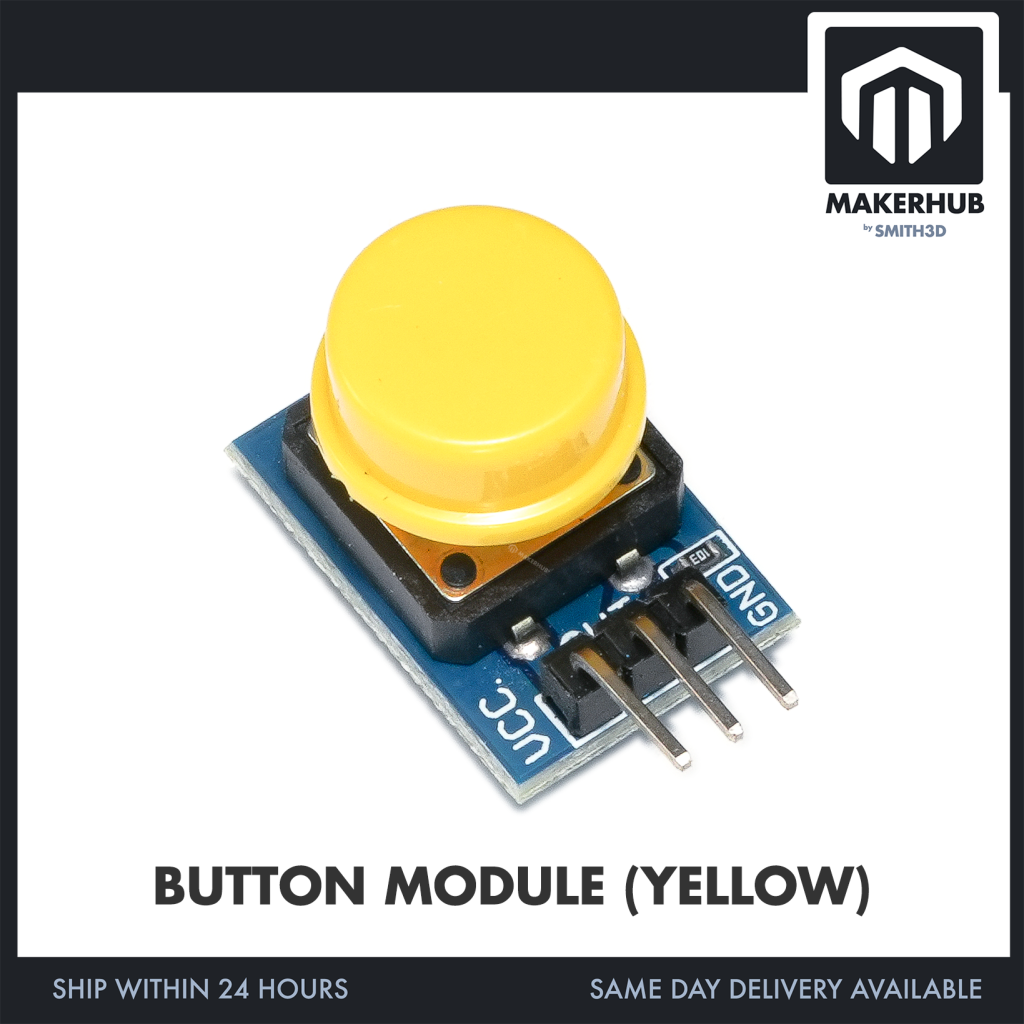
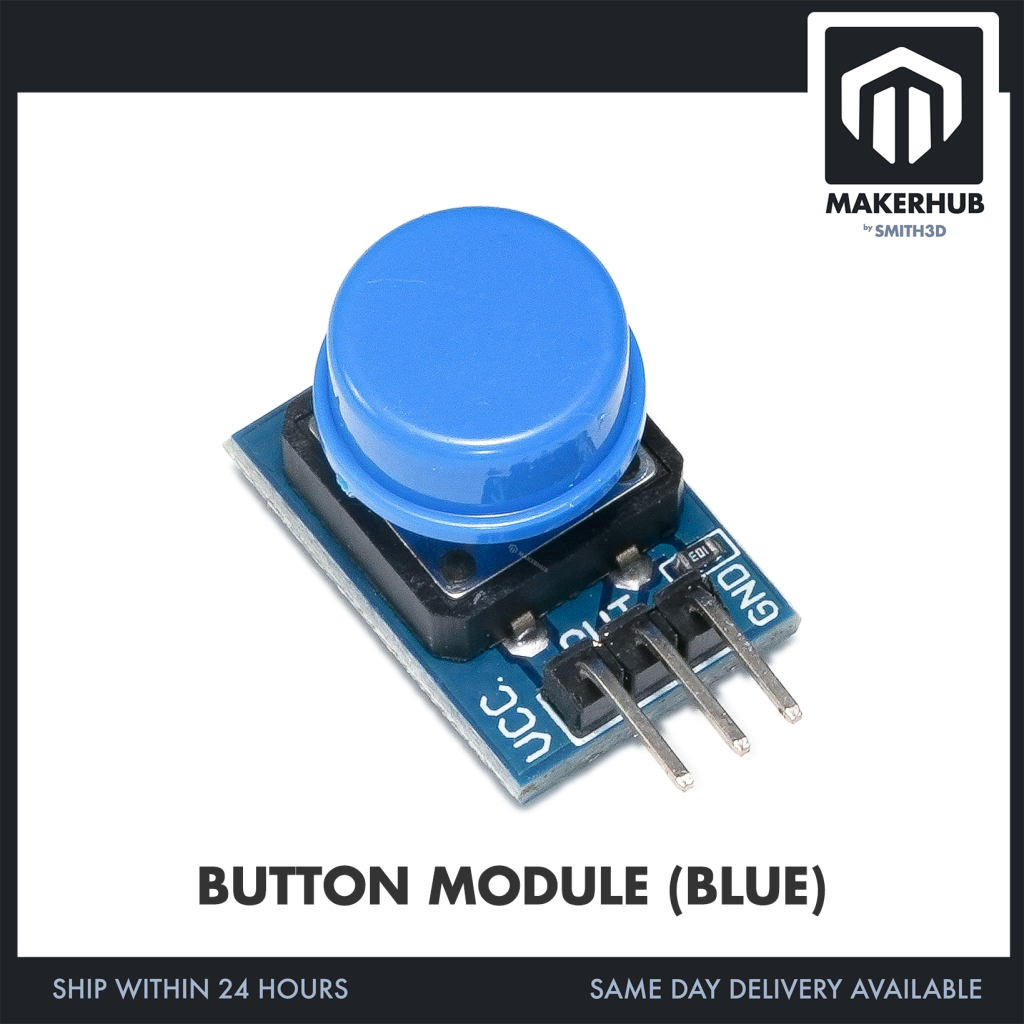
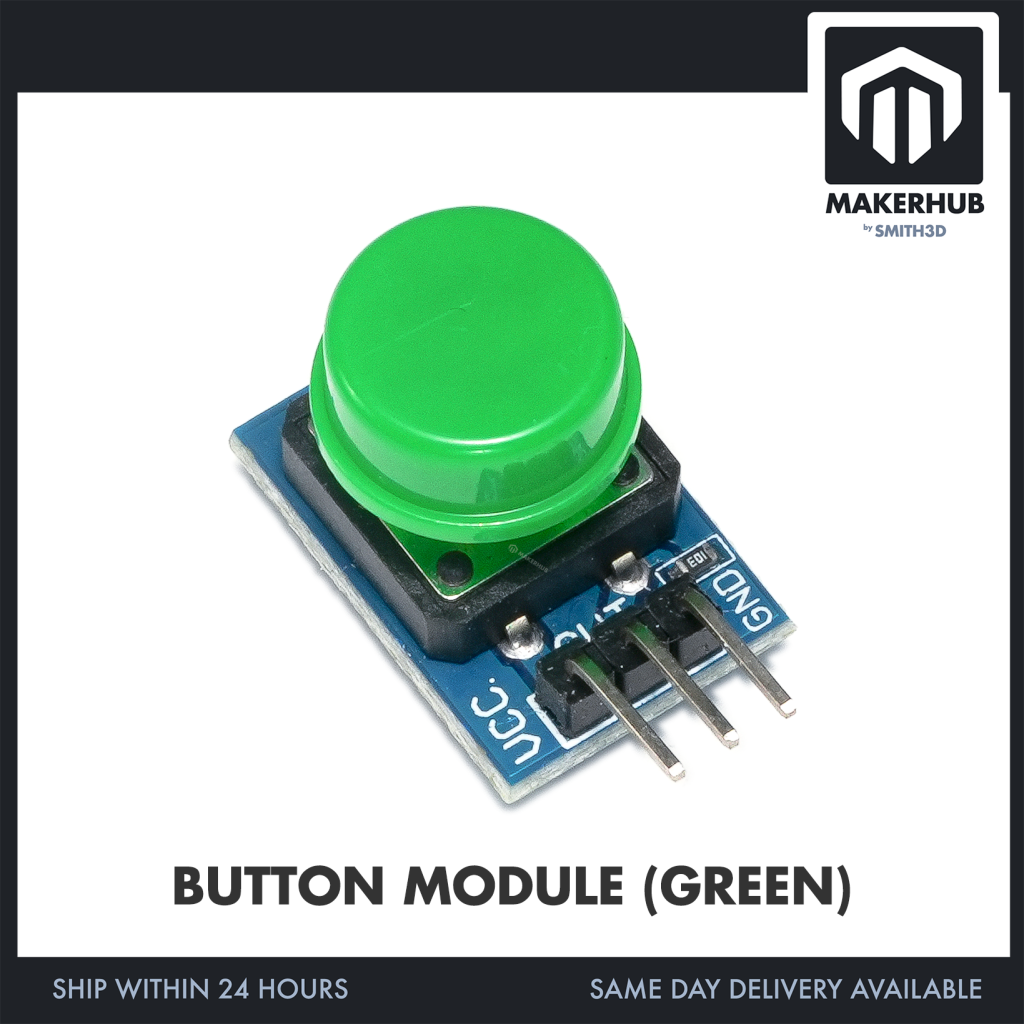
This listing sells six options: the standard-size module with a Red, Black, Blue, Green or Yellow button cap, and the Big Button Module (BBUTTON).
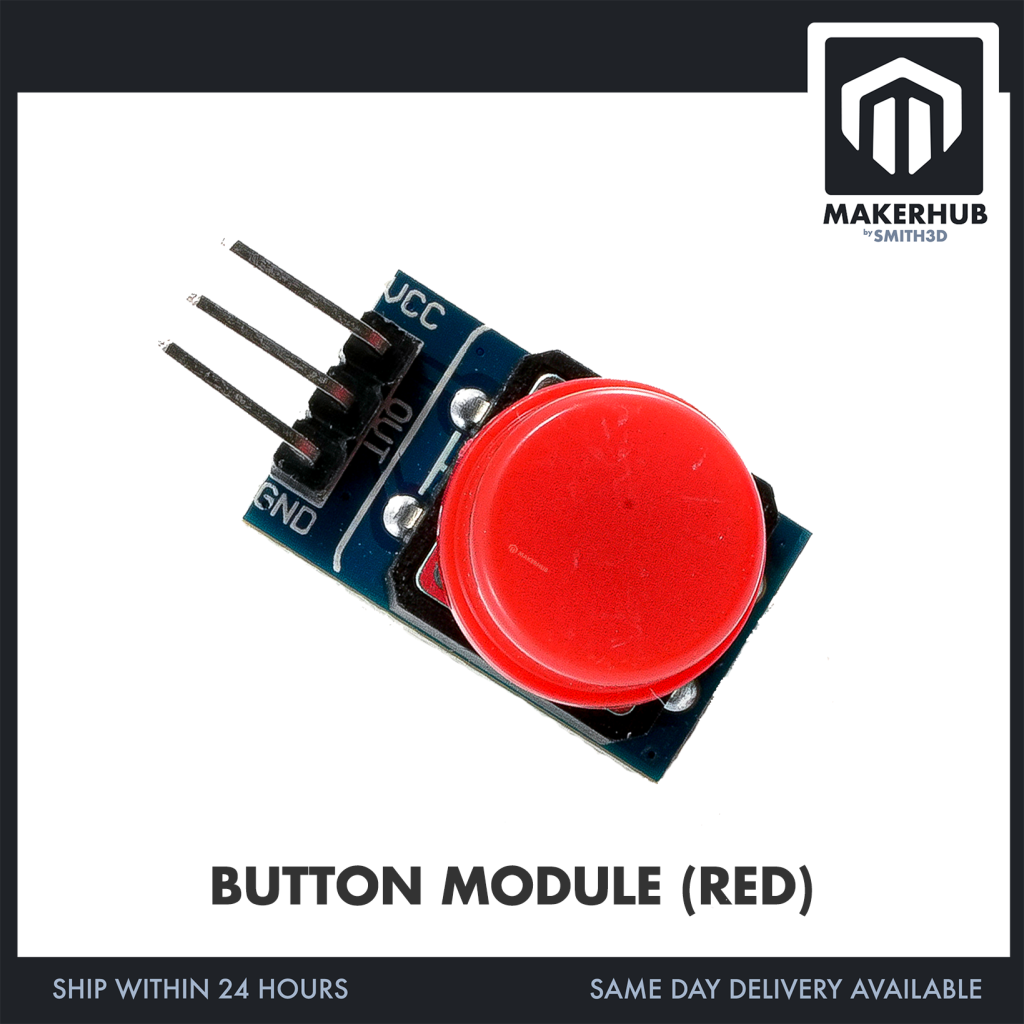
Our photo shows one of those six options — the standard-size Red module, BUTTONM.
⭐ Specification
Standard-size options — Red, Black, Blue, Green, Yellow
– Operating voltage: 3.3V – 5V DC.
– Price: RM1.35 each.
– The cap colour is what the option name sets. Our photo shows the Red option; the board and header detail below is read off that unit.
Big Button — BBUTTON
– Sold in this listing as the BIG BUTTON MODULE.
– Price: RM4.90.
The Red module in our photo — BUTTONM
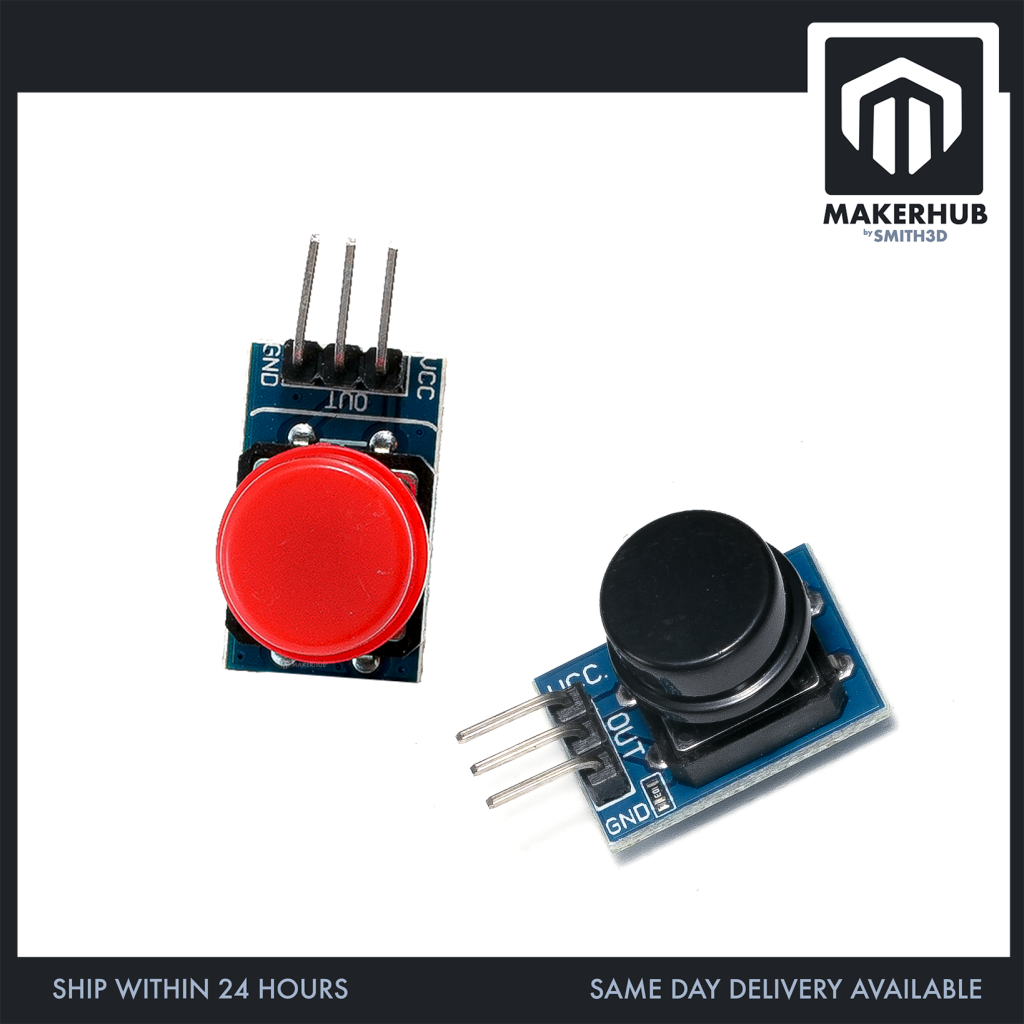
– Blue rectangular PCB. A large round red cap sits over the switch and covers a good part of the board’s top face.
– The switch is a square black push-switch body mounted through the board — its solder joints are visible on the photographed face.
– The three pins are labelled VCC, OUT and GND in white silkscreen, one label sitting beside its own pin.
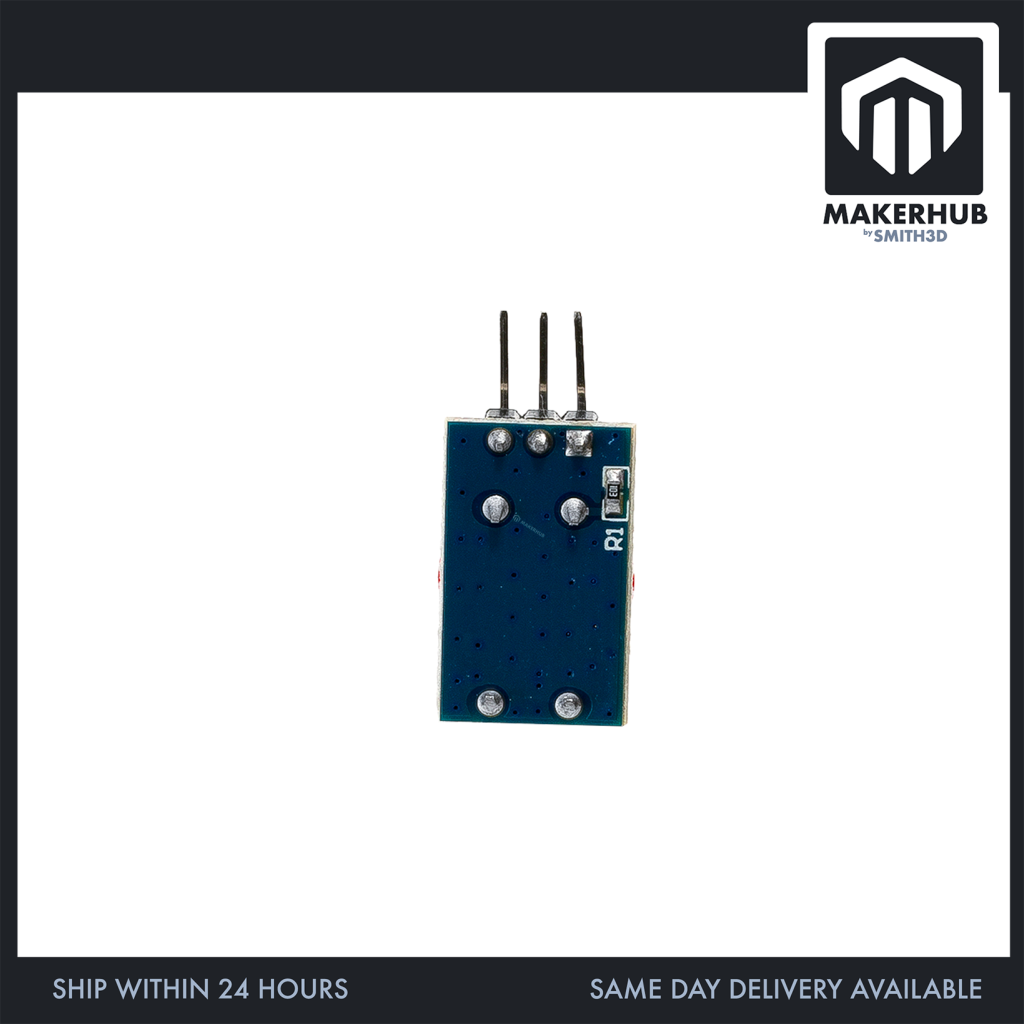
– Besides the header and the switch, no other component is visible on the face we photographed. No indicator LED on that face.
– Packed shipping figures recorded against this parent SKU: 5.0 × 5.0 × 1.0 cm, 0.01 kg. Those are packing values for the shipment, not the size of the PCB. The board in the photo is far smaller than 50 mm square.
🔌 Connector & What Ships
This section describes the standard-size Red module (BUTTONM) shown in our photo.
– Gender: MALE. Three solid pins held in a black plastic body — pins, not sockets. It is not a screw terminal, not a female socket and not bare pads.
– Orientation: RIGHT-ANGLE (90°). The pins run out flat past the short end of the PCB, level with the board face, rather than standing up off it.
– The header is already fitted to the board. It is not supplied as a loose strip.
– Pin order read off the silkscreen: VCC / OUT / GND. The MIDDLE pin is OUT. VCC and GND are the two end pins. Wire by the silkscreen printed on the board in front of you.
⚒️ Interesting Project
Build a simple reaction game.
Create a counter triggered by button presses.
Use it as a reset or start button for projects.
📦 Package Includes:
Per unit ordered:
– Red (BUTTONM): 1x Button Module board with a red cap, header already fitted.
– Black (BUTONBK): 1x Button Module board with a black cap.
– Blue (BUTONBL): 1x Button Module board with a blue cap.
– Green (BUTONGR): 1x Button Module board with a green cap.
– Yellow (BUTONYE): 1x Button Module board with a yellow cap.
– Big Button (BBUTTON): 1x Big Button Module board.
No jumper wires, no spare or alternate button caps, no screws or standoffs, no loose header strip and no printed documentation come with any of the options above.
🧰 What You Also Need
For the standard-size colour options — Red, Black, Blue, Green and Yellow:
– A microcontroller or single-board computer that can supply 3.3V – 5V DC and GND, with a spare input pin to read the button.
– Leads to run the connections across to your board. No leads are included with any option.
– On the Red module in our photo that means three leads, for the VCC, OUT and GND pins printed on it. Wire by the silkscreen on the board in front of you.
Mounting hardware is not included with any option in this listing, so bring your own if you want the module fixed to an enclosure or chassis.
❓ FAQ
Which pin is which?
On the Red module in our photo the silkscreen along the header reads VCC / OUT / GND, so OUT is the middle pin and VCC and GND are the two ends. Read the silkscreen on the board you receive and wire to that.
Do I need to solder the header on?
No. The Red module in our photo arrives with its 3-pin header already fitted to the board.
Do the pins stand up off the board?
No. On the Red module in our photo the header is a right-angle type — the pins run out sideways past the end of the board, flat and level with the board face.
Does it come with jumper wires or a spare cap?
No. Jumper wires, spare caps, screws and documentation are not part of any option in this listing. Add jumper wires to your cart separately if you need them.
What is the Big Button option?
BBUTTON is the BIG BUTTON MODULE in this listing, at RM4.90 against RM1.35 for the standard-size colour options. The board layout, header and pin order published above are read off our photo of the standard-size Red module.
🏬 | Our Shop Lot |
No 12 (Ground Floor – 3D Printer & Parts) & (First Floor – Robotic Parts & Tools)
Jalan Tasik Utama 7,
Medan Niaga Tasik Damai,
Sungai Besi, 57000 Kuala Lumpur
| Weight | 0.01 kg |
|---|---|
| Dimensions | 5 × 5 × 1 cm |
Only logged in customers who have purchased this product may leave a review.
Related products
ULTRASONIC SENSOR
4x4 MEMBRANE KEYPAD
Sensor
DHT 11 DHT 22 Temperature and Humidity Sensor DHT22 High Sensitivity Sensor DHT11 For Aduino IOT
DHT11 SENSOR
Sensor
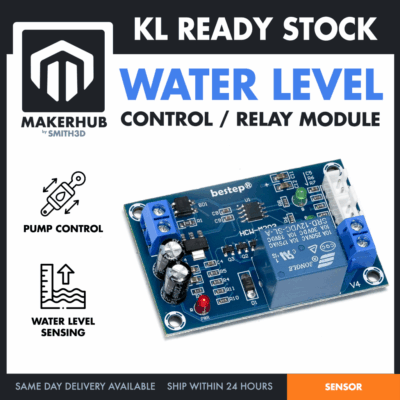
Water Level Relay Controller Liquid Level Detection Auto Water Sensor Tank Pump Control Switch
WATER LEVEL RELAY CONTROLLER
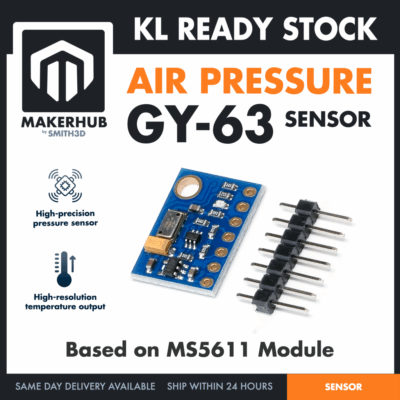
GY-63 AIR PRESSURE SENSOR
Sensor
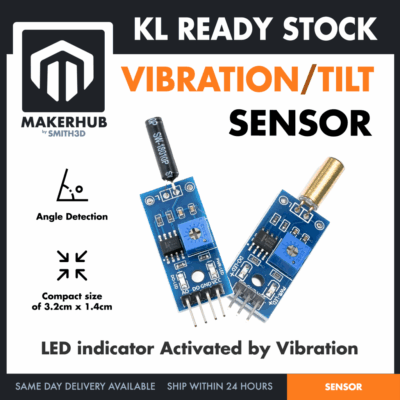
Tilt Sensor Vibration Sensor Tilt Switch Module Alarm Trigger SW1801P For Arduino Application
VIBRATION/ TILT SENSOR
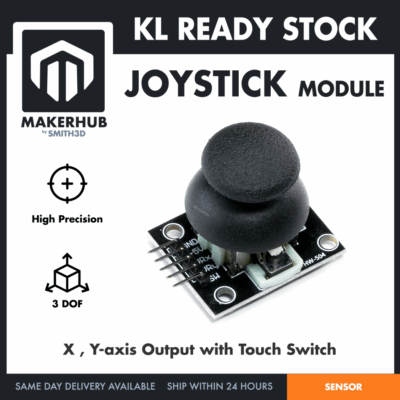
JOYSTICK MODULE
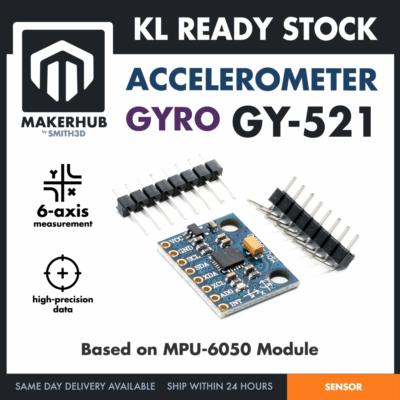
Sensor
GY-521 Gyroscope Accelerometer Module MPU6050 MPU-6050 Motion Measurement Drone Robotic Application
GY-521 GYRO ACCELE
Reviews
There are no reviews yet.